Tool
Add furniture from a room photo
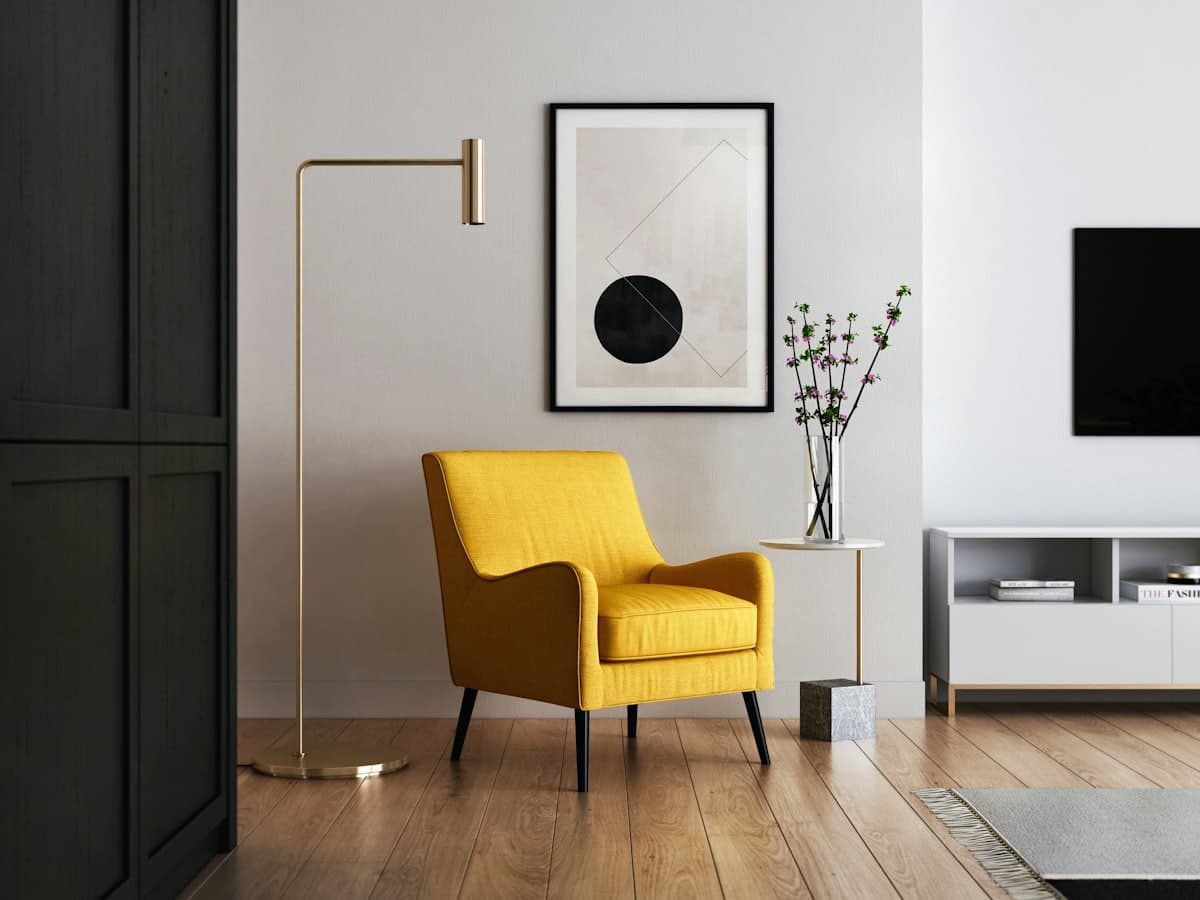 Open floor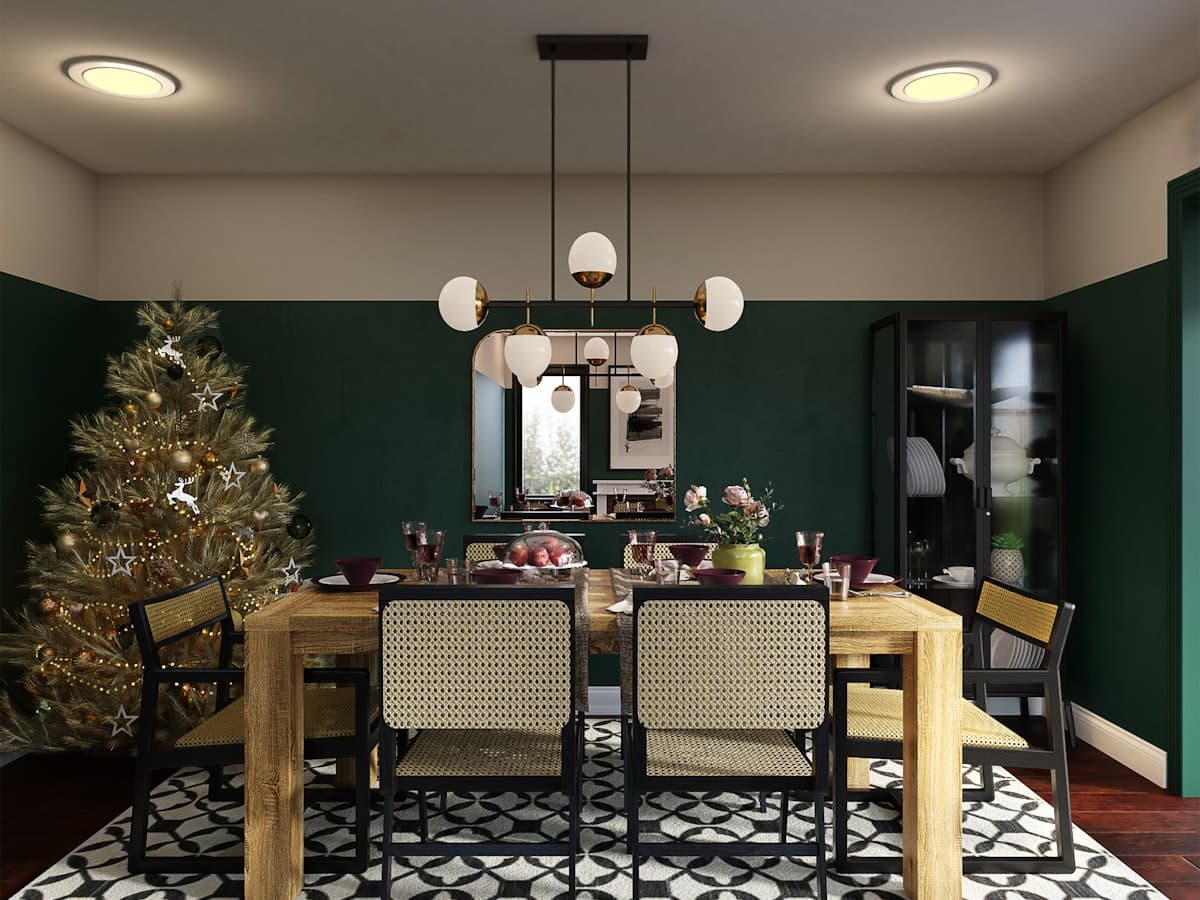
Add furniture is the opposite of a full redesign: the room already works, you are missing a sofa, a dining table, or storage. DecorAd exists so that extra piece is shown in your photo with a path around it. If the item cannot be sourced later, it stays look-only. We will not hide a fake SKU behind a checkout we do not have.
Photograph the gap
Include the empty wall or floor where the piece should live, plus the nearest door. Close-ups of a corner hide whether a three-seat sofa fits. Room type matters: adding a bed to a bedroom is not the same job as adding a console to a hall that we do not yet list.
One change at a time
The product promise is to change one item without regenerating the whole room. Add furniture is that promise in the studio: style sets the language of the new piece; swap on the result lets you try another table without a new photo. Do not expect a second generate to keep every lamp unless the model is later trained to do so.
What you will see today
This pass still shows a catalog after-image so you can tap tags. When generate is live, add should composite a piece onto your upload. Until then, pick Add, style, and room so the intent is stored with the design history.
Use Add furniture with your photo
Other tools
- Room redesign — Keep your walls and walkways. Change the furniture plan so pieces can sit in this room.
- Empty room staging — Start from a vacant floor and place furniture that can actually fit the room you photographed.
- Remove furniture — Clear pieces you do not want, and keep the architecture so you can plan what to add next.