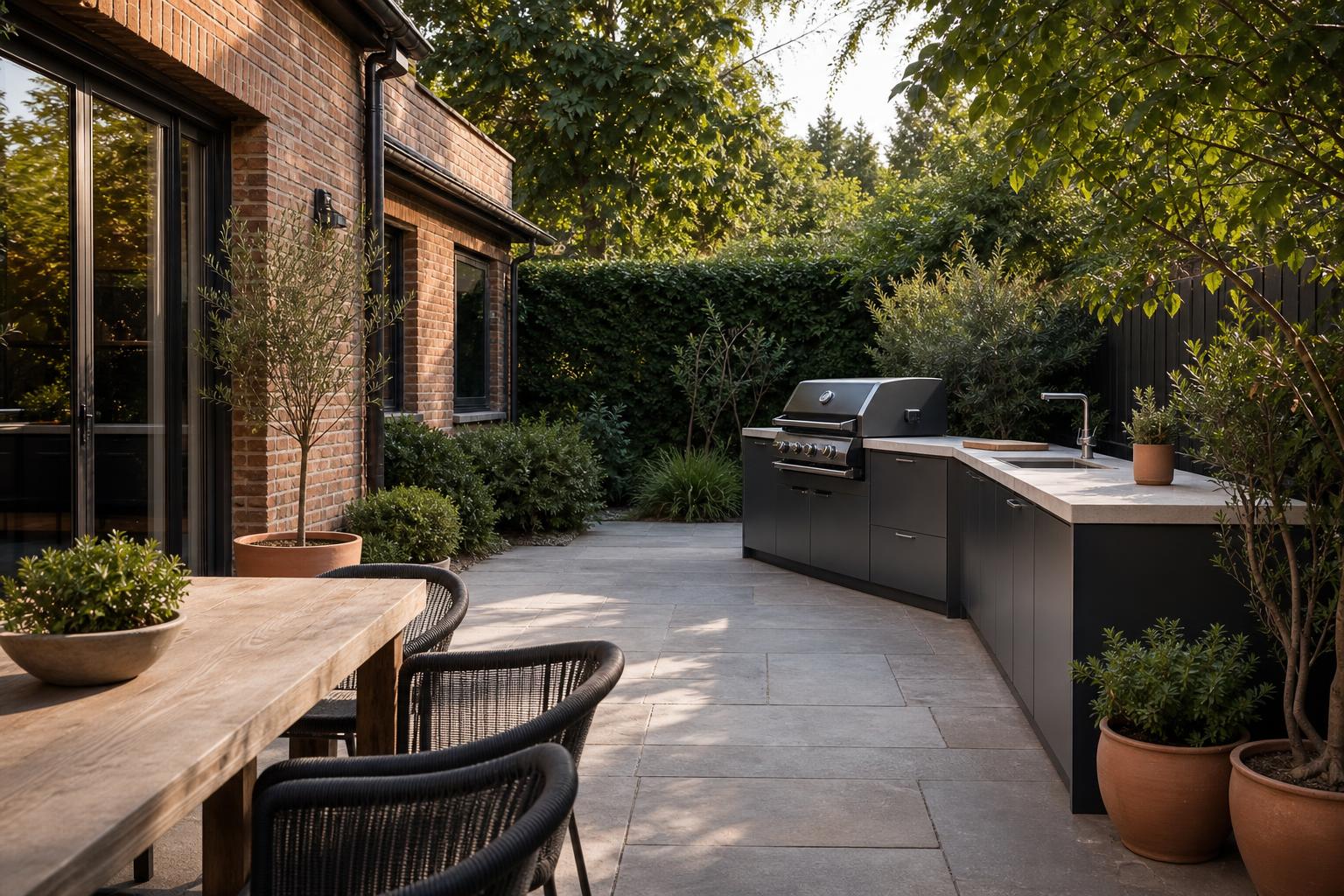
Interior advice
Before You Build an Outdoor Kitchen: A Site-First Plan
Check your site, utilities, permissions and weather exposure before committing to an outdoor kitchen that needs permanent construction.
1 min read
Upload a photo, keep the doors and walkways, then tag pieces as look-only or an example price.
01
Two walls and the floor in frame. Doorways matter more than a styled close-up.
02
Room type keeps kitchens from becoming lounges. Style sets the furniture language.
03
The after-image is a plan. Swap or skip anything that is only a look, and measure before you buy.
Redesign a lived-in room, stage an empty floor, remove or add furniture, restyle what already fits, or preview a wall or floor. Each tool opens the studio with that job selected.
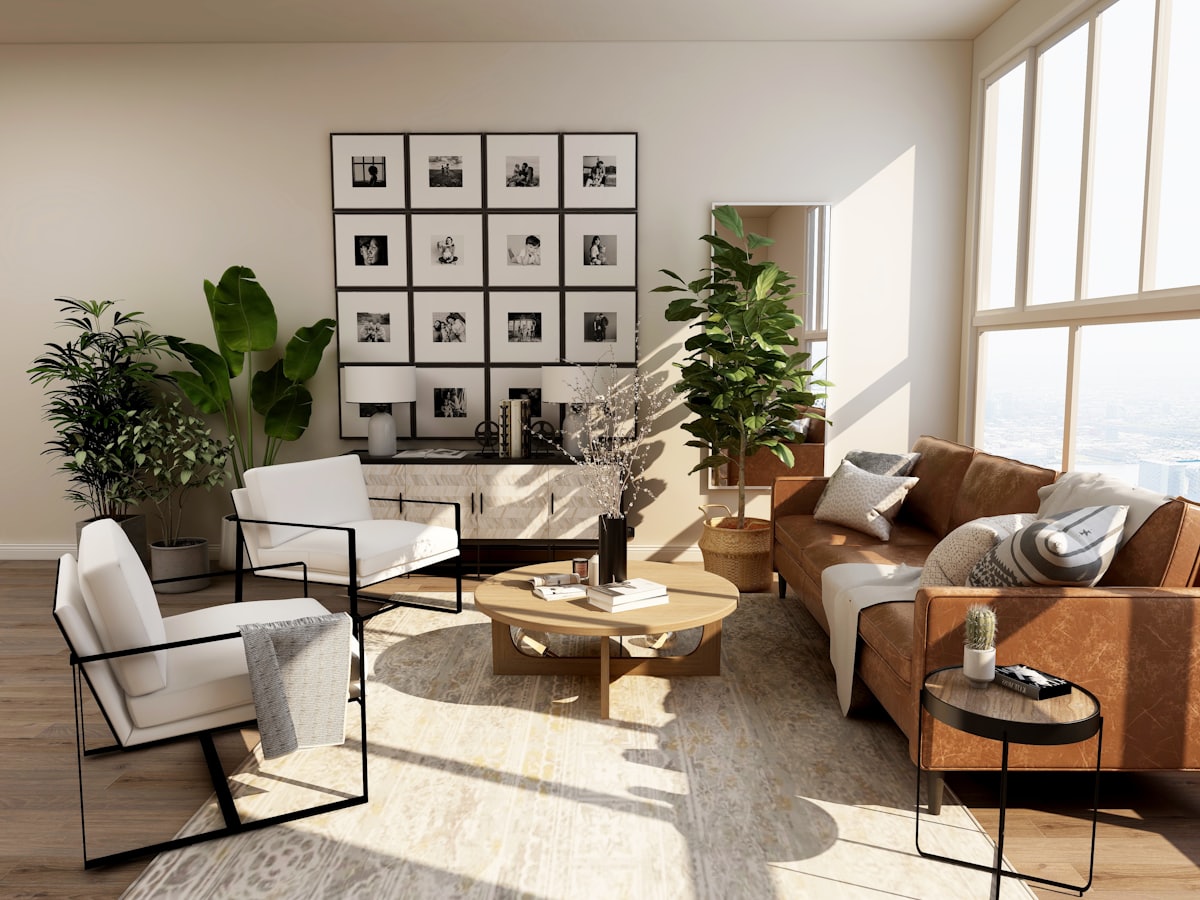
Keep your walls and walkways. Change the furniture plan so pieces can sit in this room.
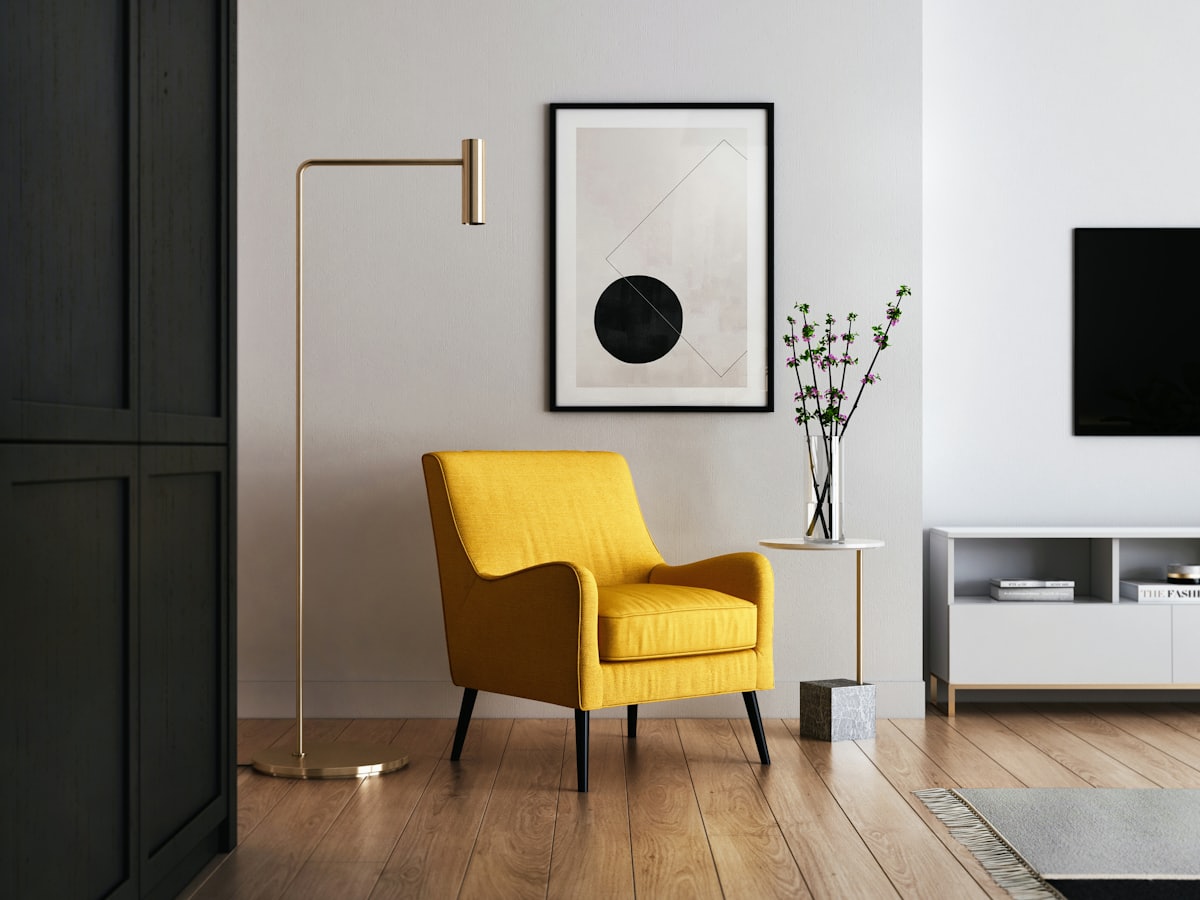
Start from a vacant floor and place furniture that can actually fit the room you photographed.
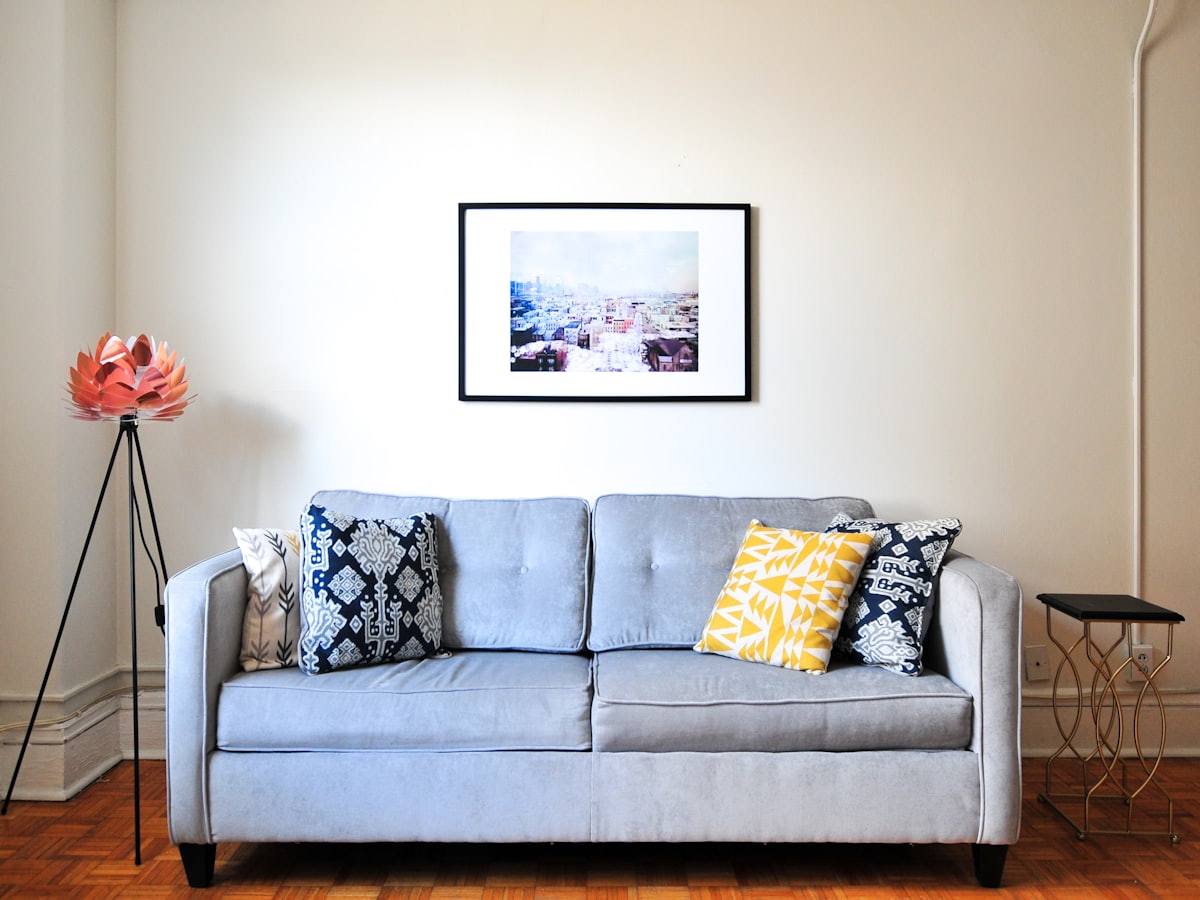
Clear pieces you do not want, and keep the architecture so you can plan what to add next.
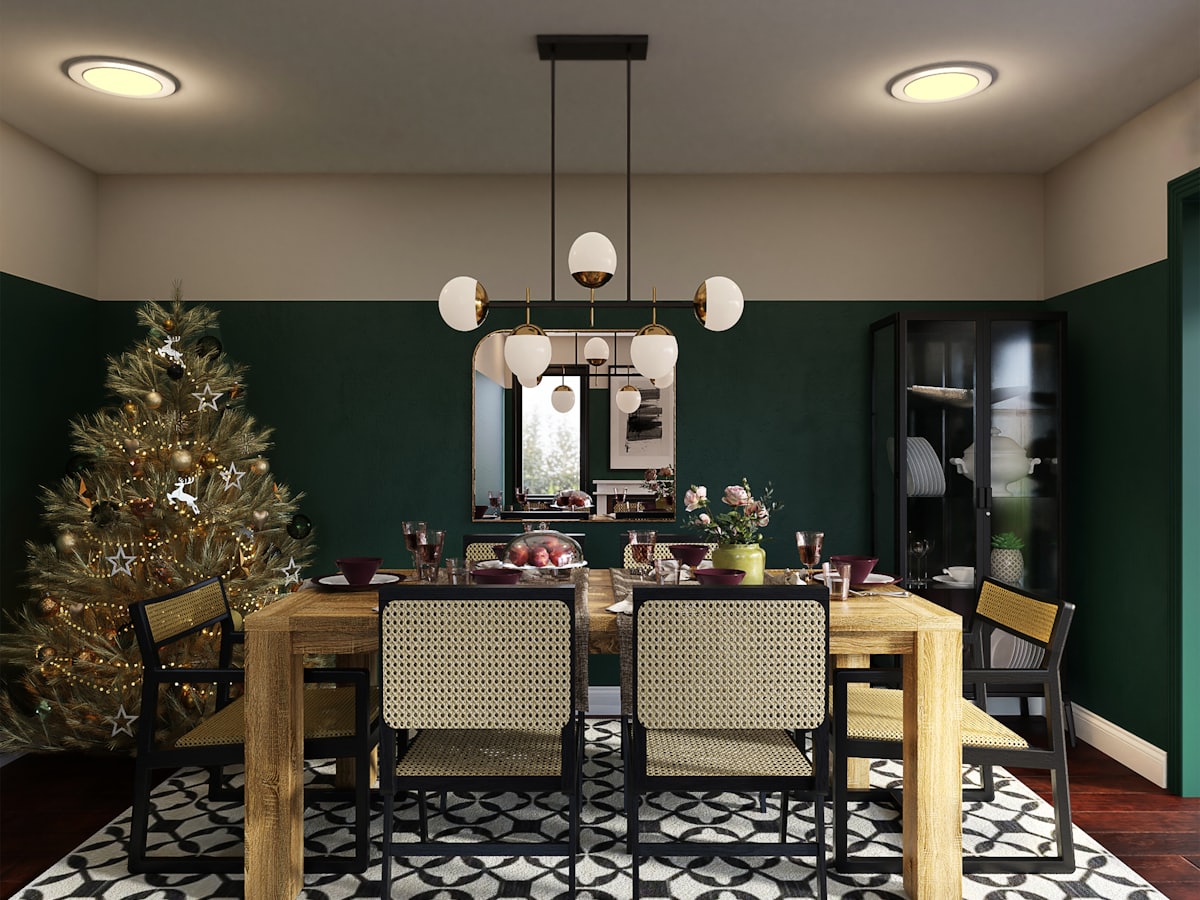
Keep most of the room. Place one or two pieces that can sit in the empty spots you can see.
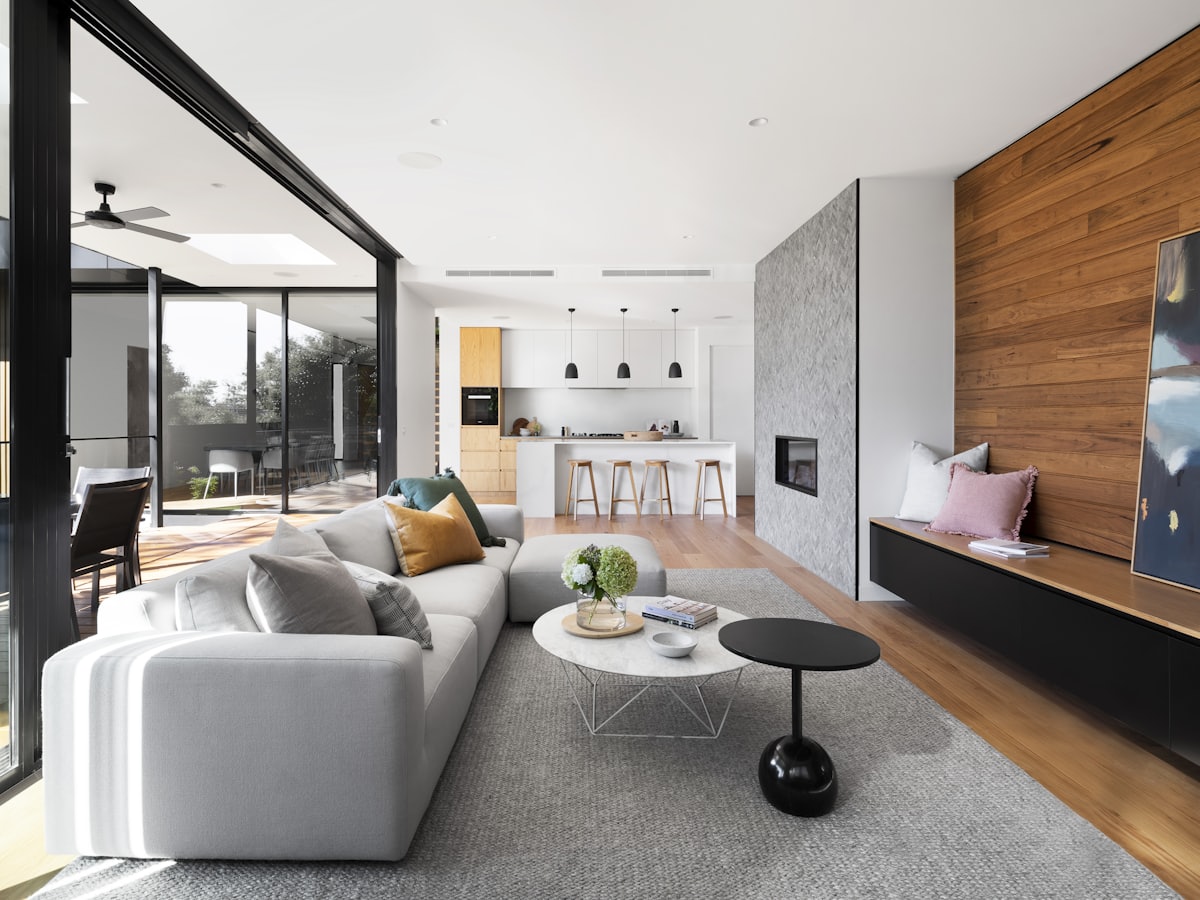
Keep the layout. Change fabrics, wood tones, and silhouettes so the same plan looks like a new set.
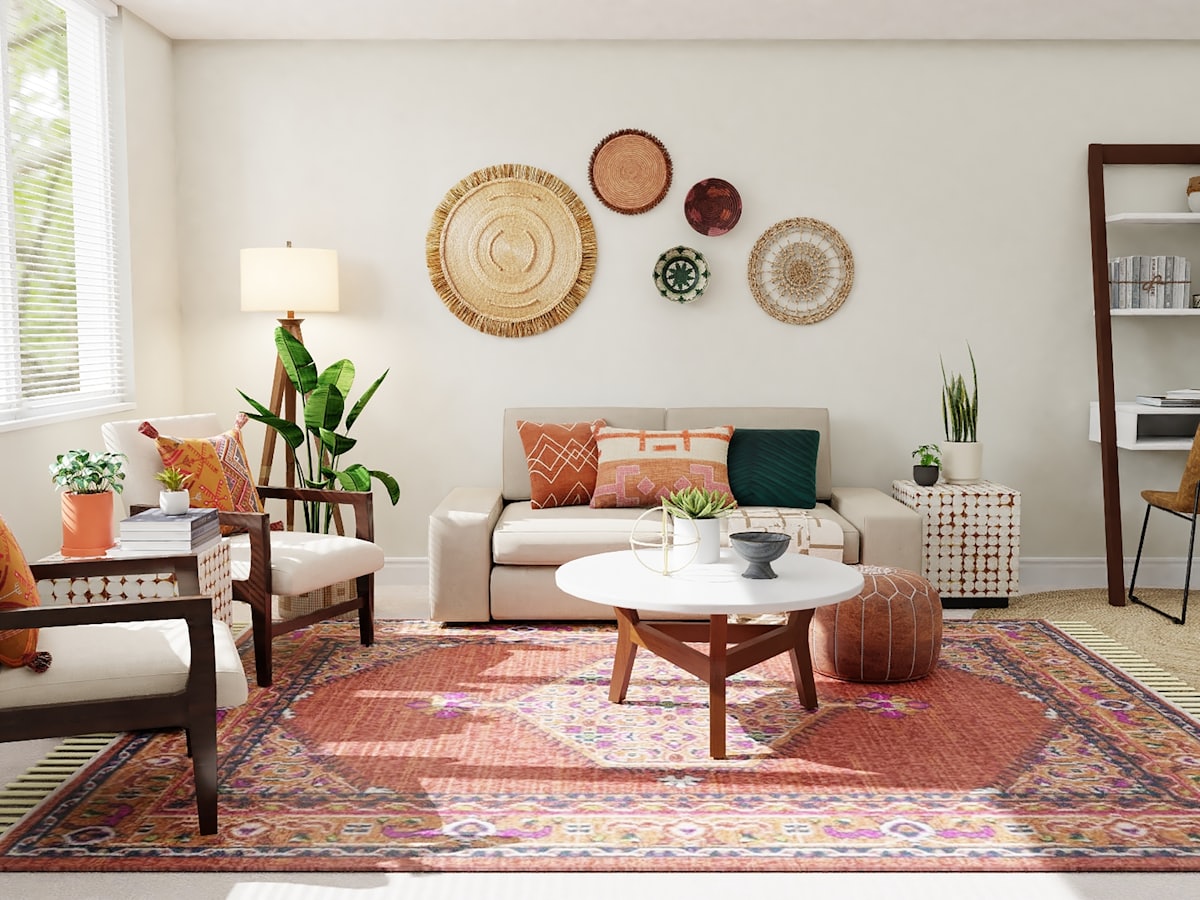
Keep the furniture. Try paint, panelling, or a quieter wall so the room reads differently.
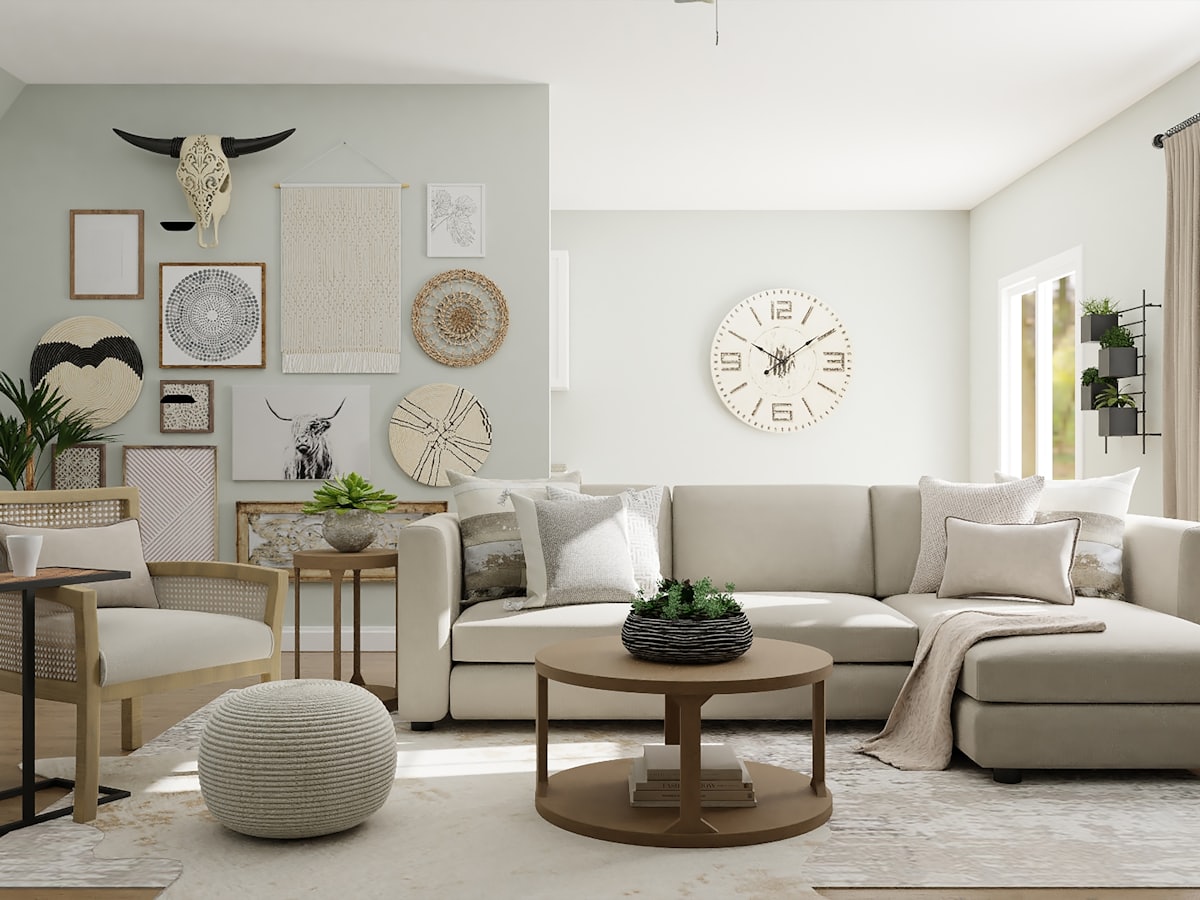
Keep the walls and the furniture plan. Preview wood, tile, or a larger rug on the floor you photographed.
Low profiles, clear floor, and furniture that does not fight the architecture.
Light woods, soft textiles, and storage that keeps small rooms usable.
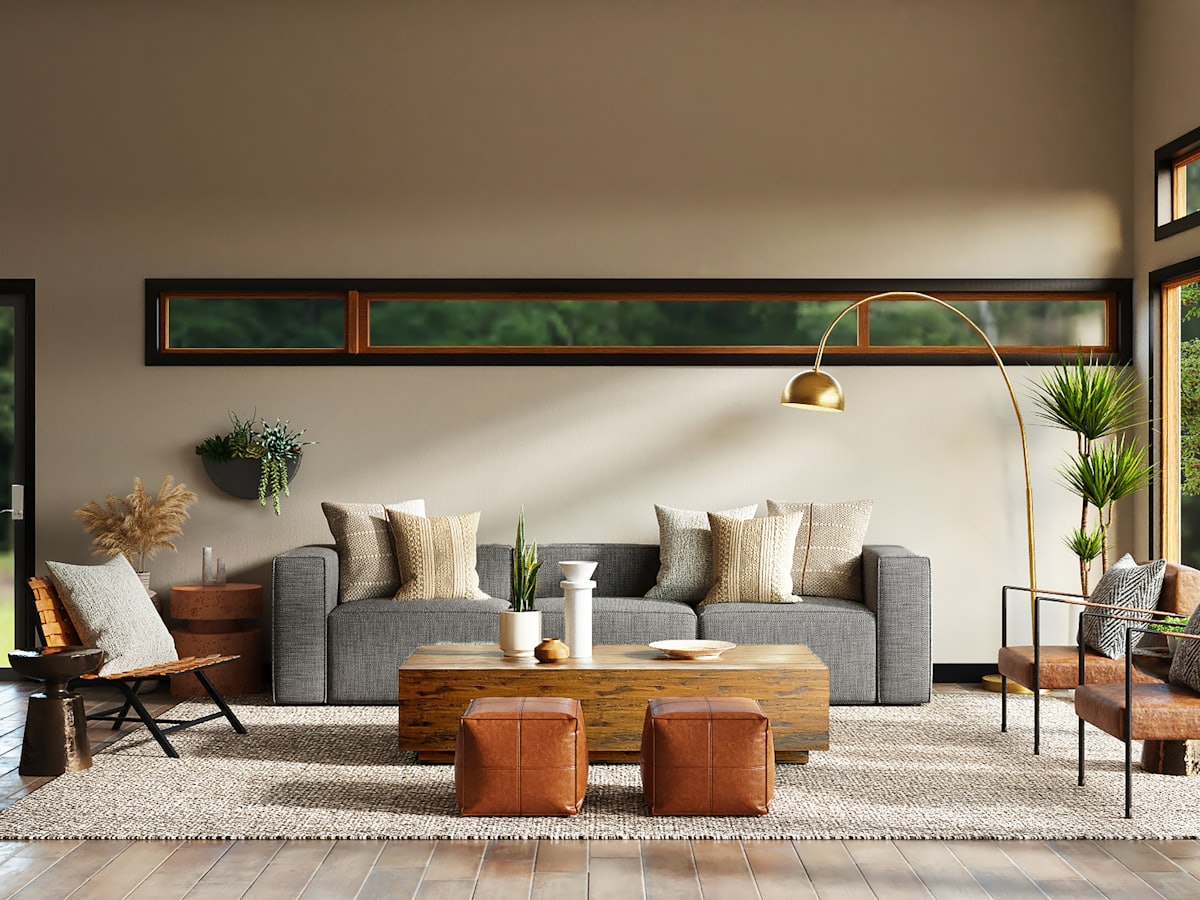
Warm palettes, generous seating, and layouts that respect gathering, not just TV walls.
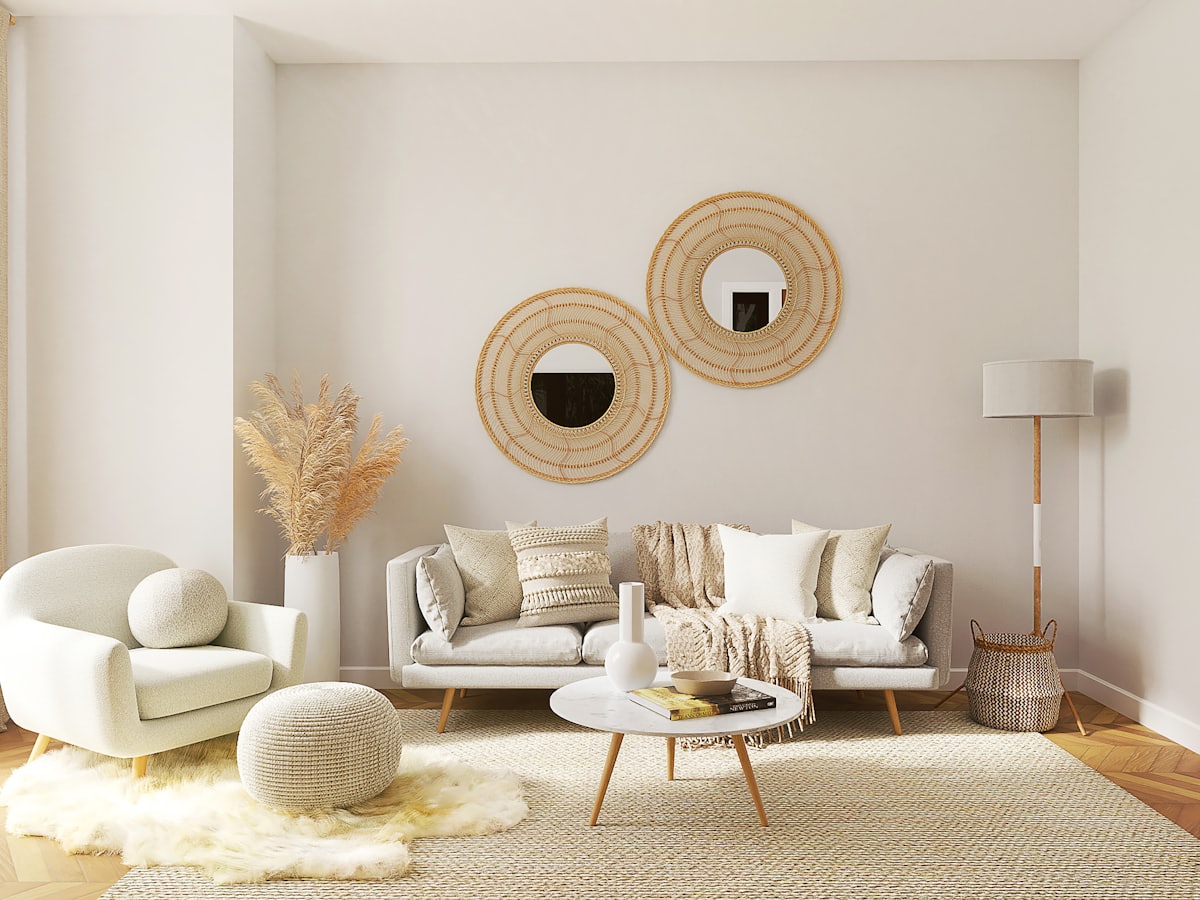
Few objects, quiet color, and empty floor left on purpose.
Japanese calm plus Scandinavian utility: low lines, natural materials, no clutter.

Craft, color, and solid wood used with a clear modern plan — not a theme park.
Seating, rugs, and paths planned around how people actually sit and walk.
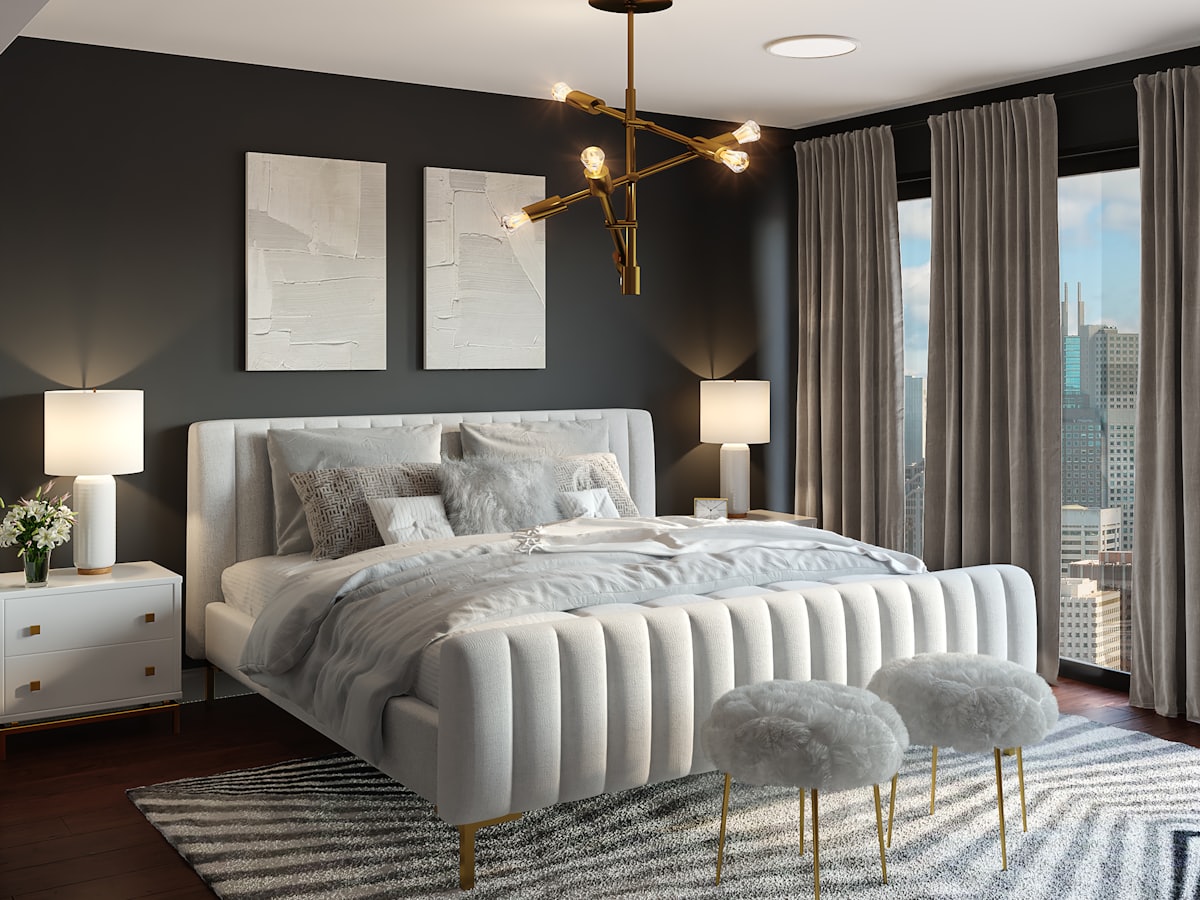
Beds and storage that leave clear paths to doors, windows, and wardrobes.
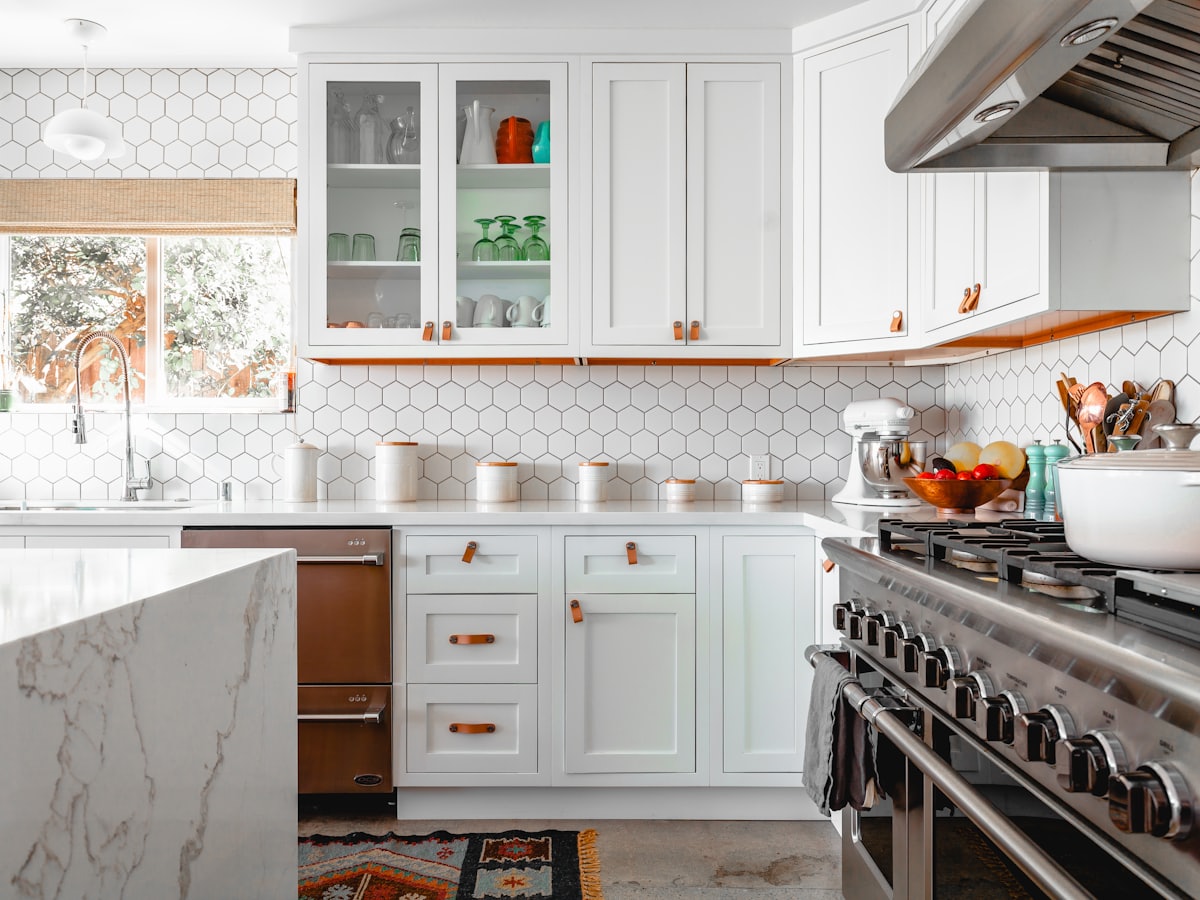
Work zones and finishes that do not block appliances or the cook’s path.
A table that seats the household and still lets chairs pull out.
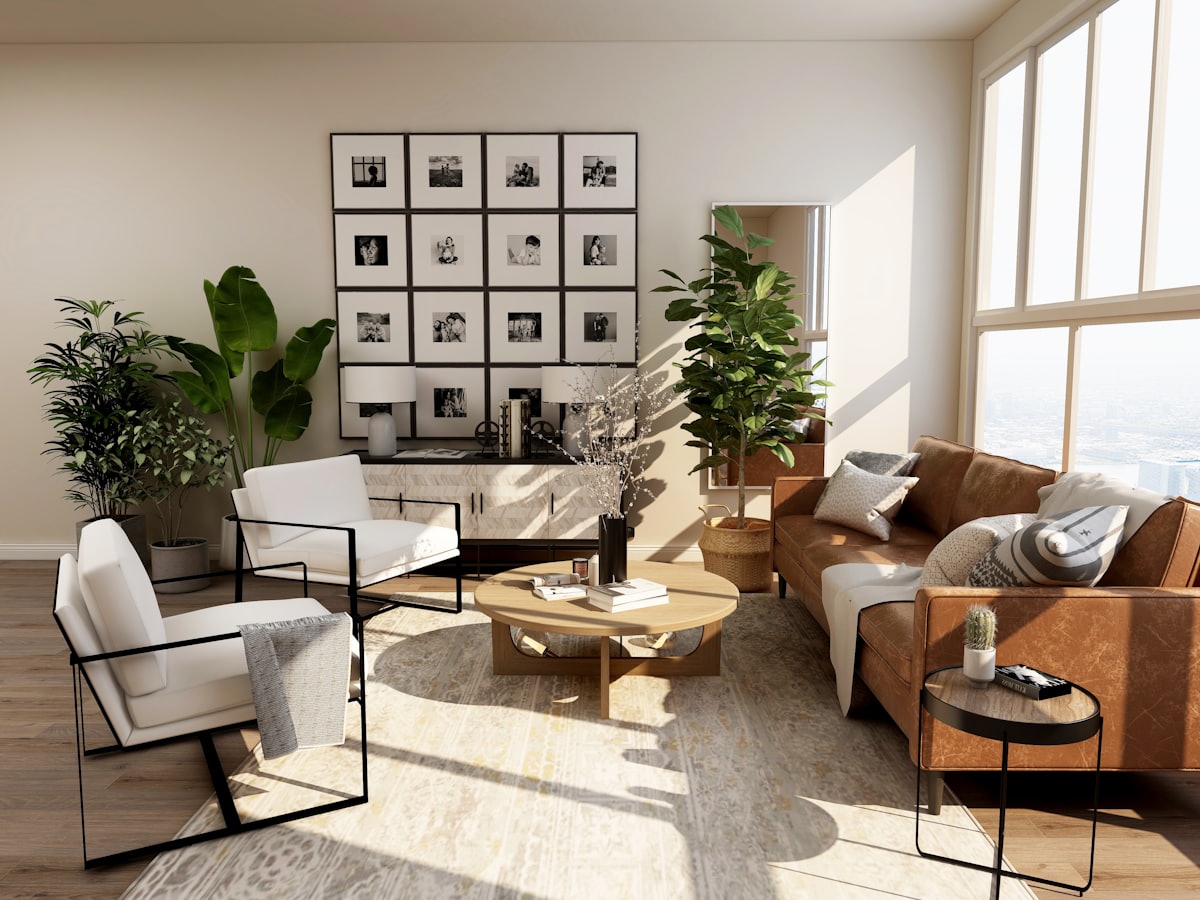
Patio, balcony, and terrace layouts that fit the real footprint and the weather.
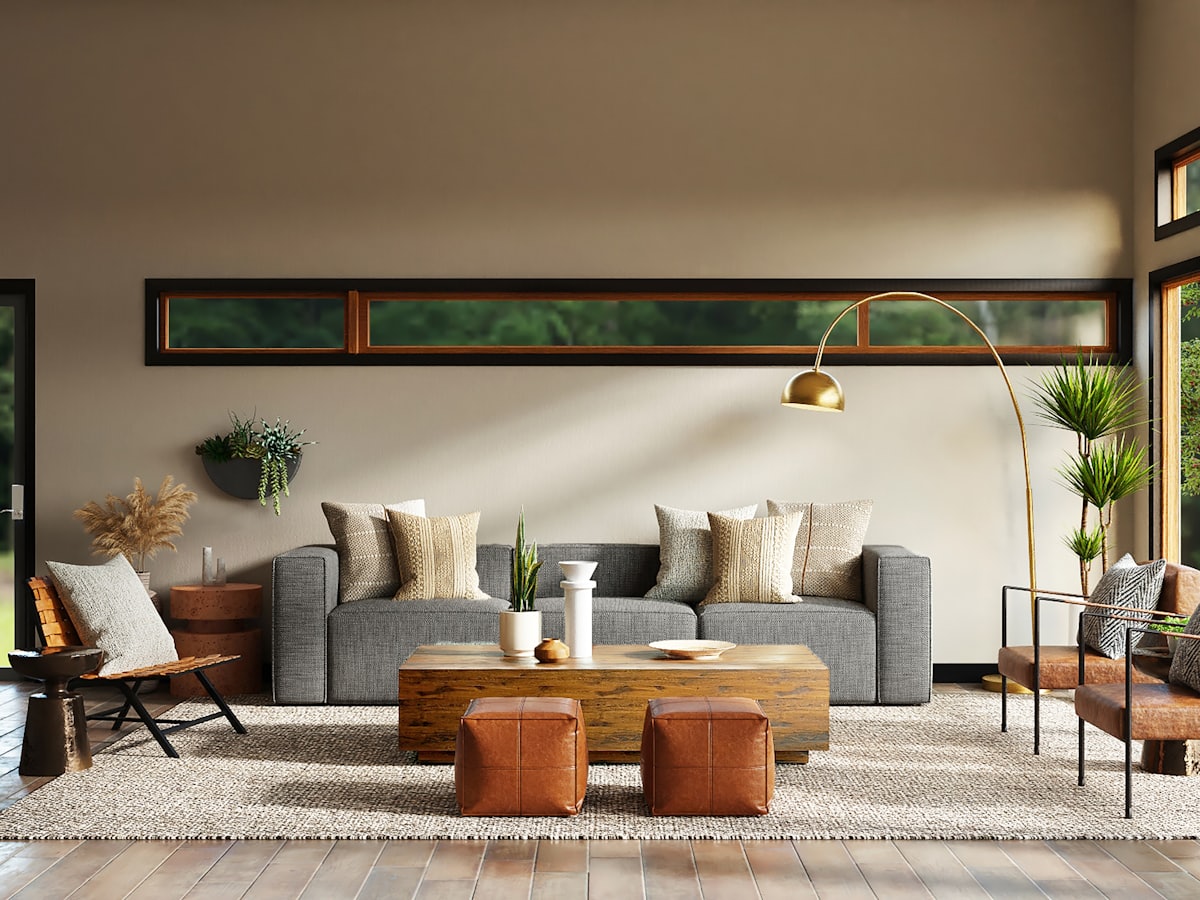
Guest seating with a clear center, respectful circulation, and space to serve.
Interior advice
Check your site, utilities, permissions and weather exposure before committing to an outdoor kitchen that needs permanent construction.
1 min read
Interior advice
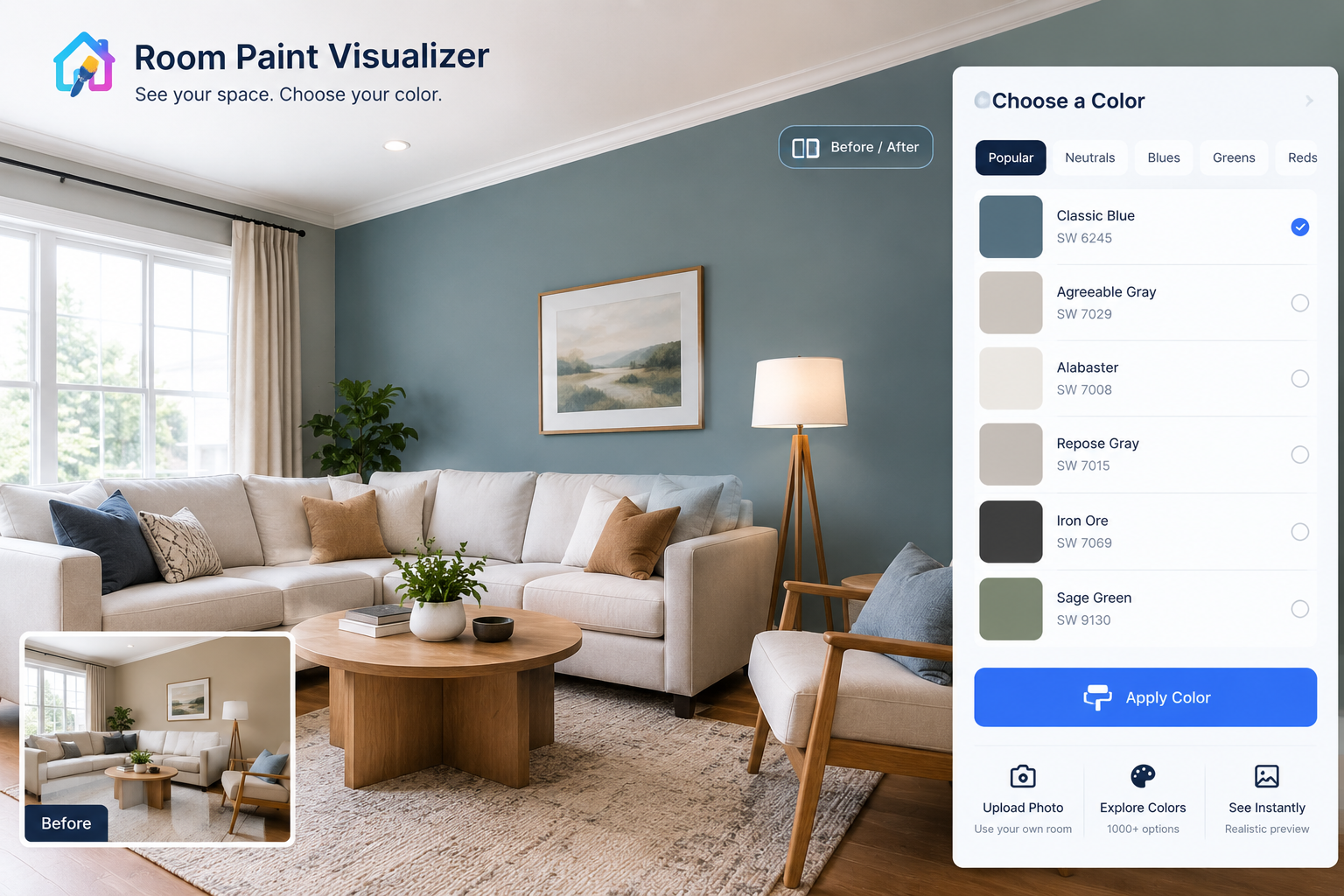
Use a room paint visualizer to test colour around existing furniture, adjoining rooms and everyday living—not an empty showroom.
1 min read

Interior advice
Use AI house exterior design to test changes, protect your budget and separate attractive images from work your property can support.
1 min read
Interior advice
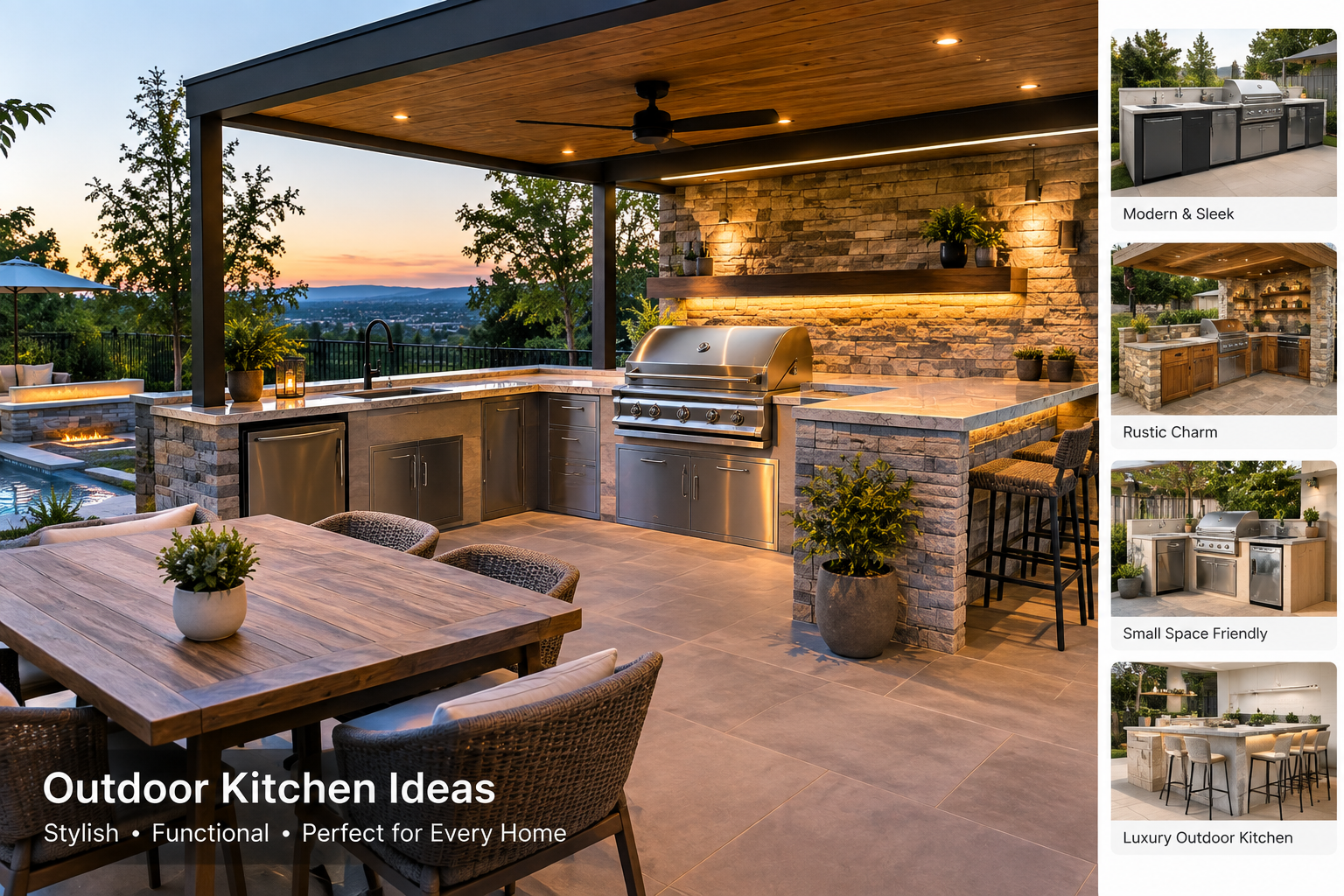
Make outdoor cooking less work with practical prep zones, washable finishes, useful storage and a plan for everyday cleanup.
1 min read
Interior advice
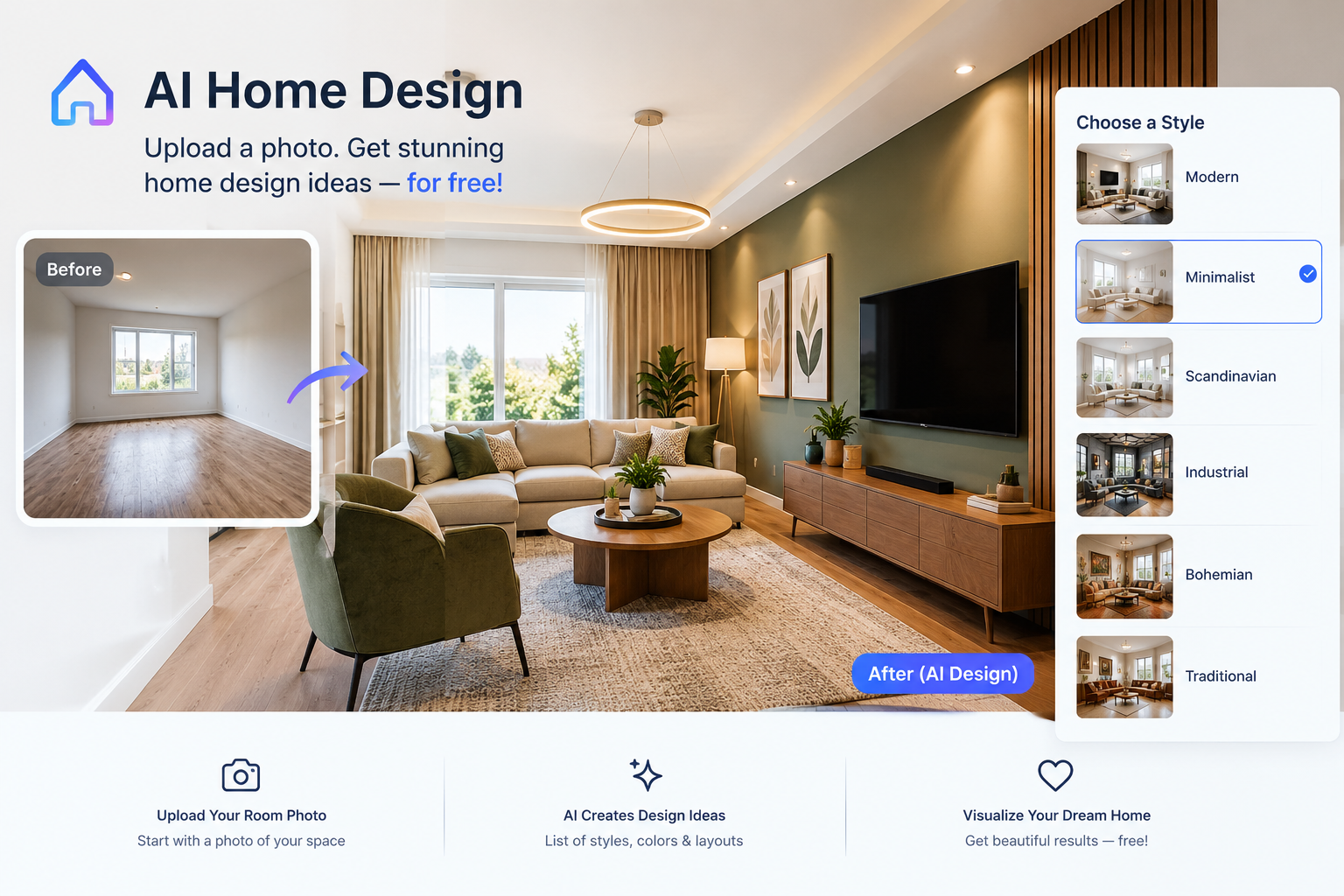
Explore free AI home design tools, understand their limits, and turn room images into affordable decorating decisions.
1 min read
Interior advice
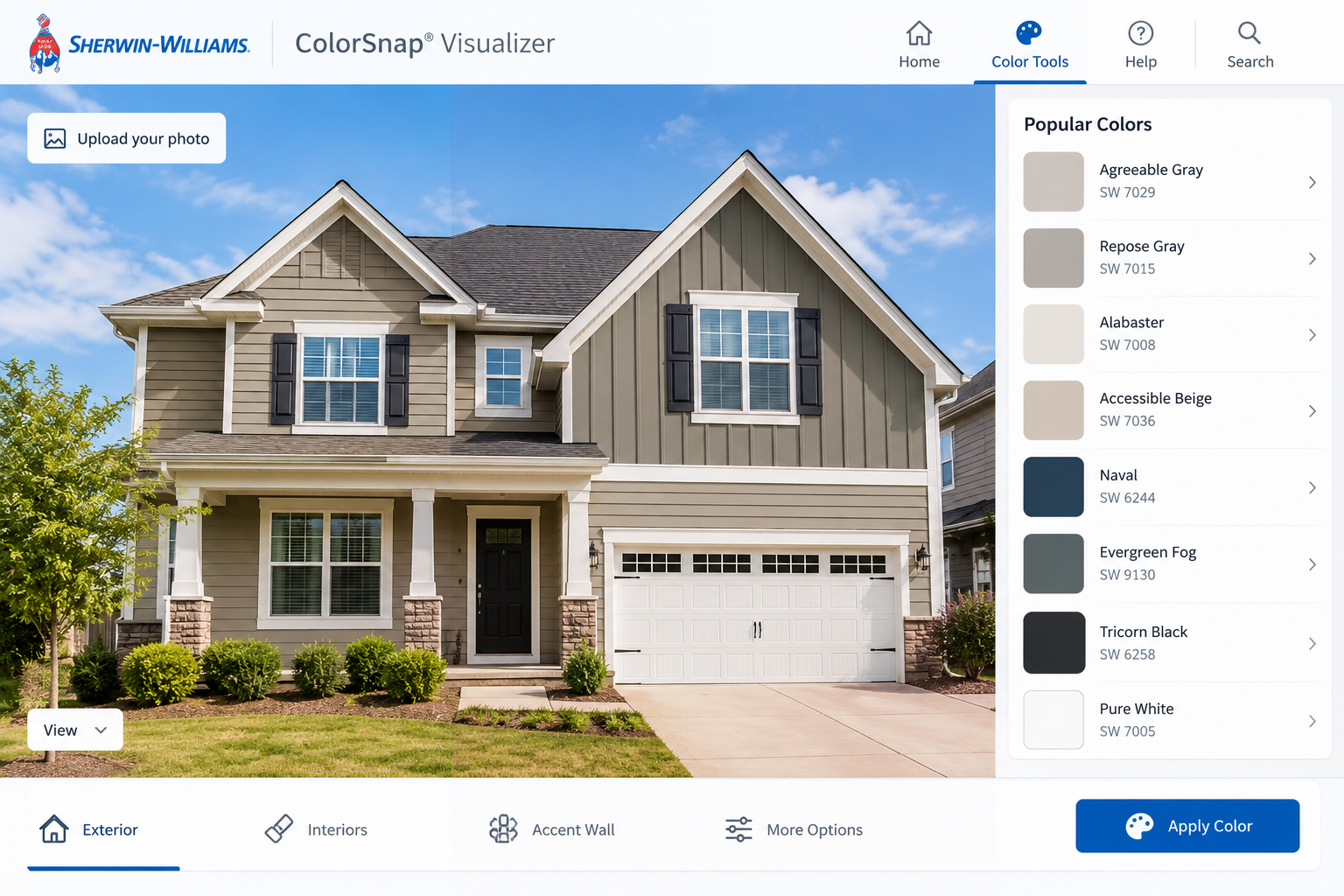
Use a paint visualizer to decide what to paint, coordinate fixed finishes and build a clear brief before buying paint or requesting quotes.
1 min read
Interior advice
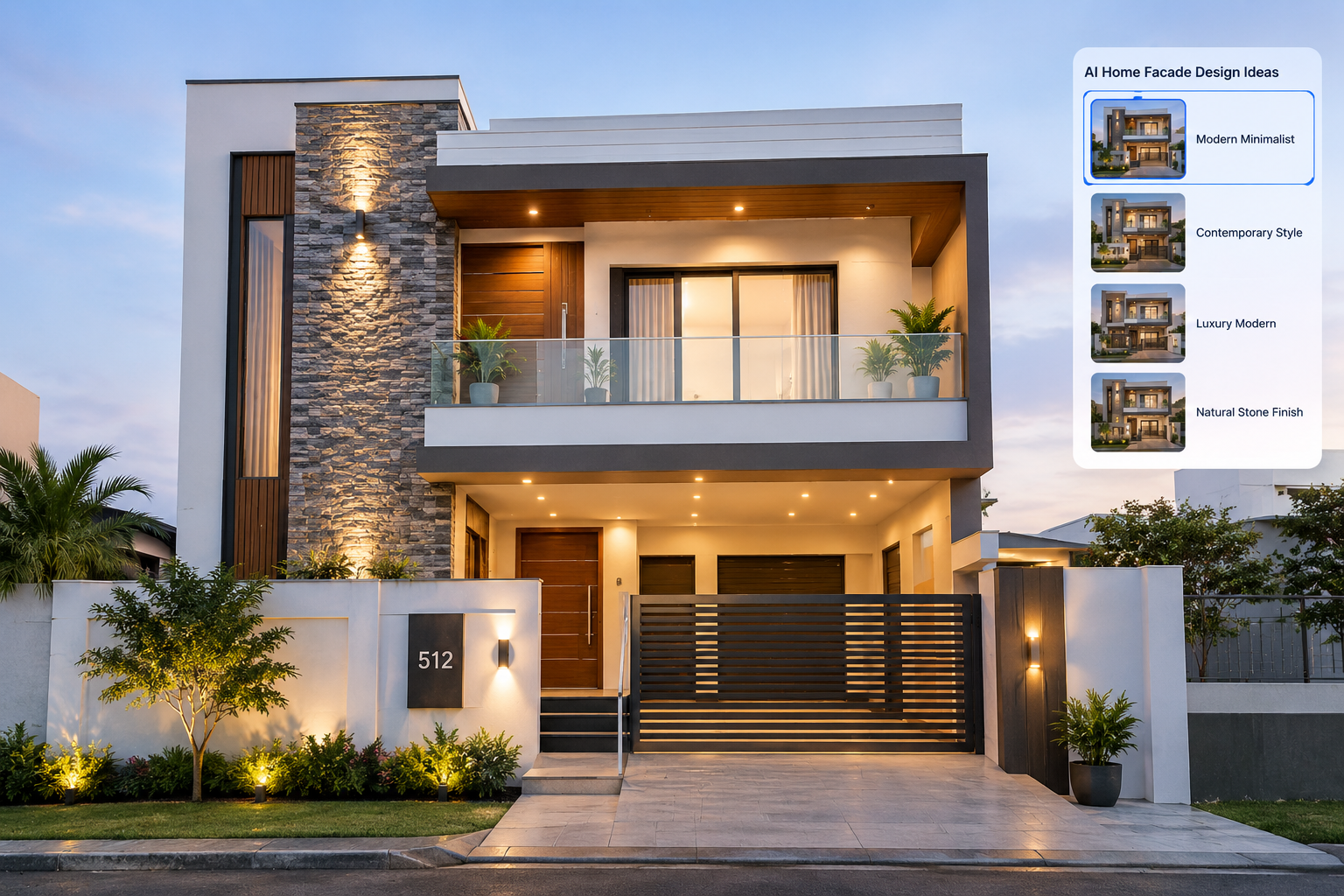
Use AI to explore modern facade ideas, compare finishes and plan exterior updates that suit your home's structure, climate and budget.
1 min read
Interior advice
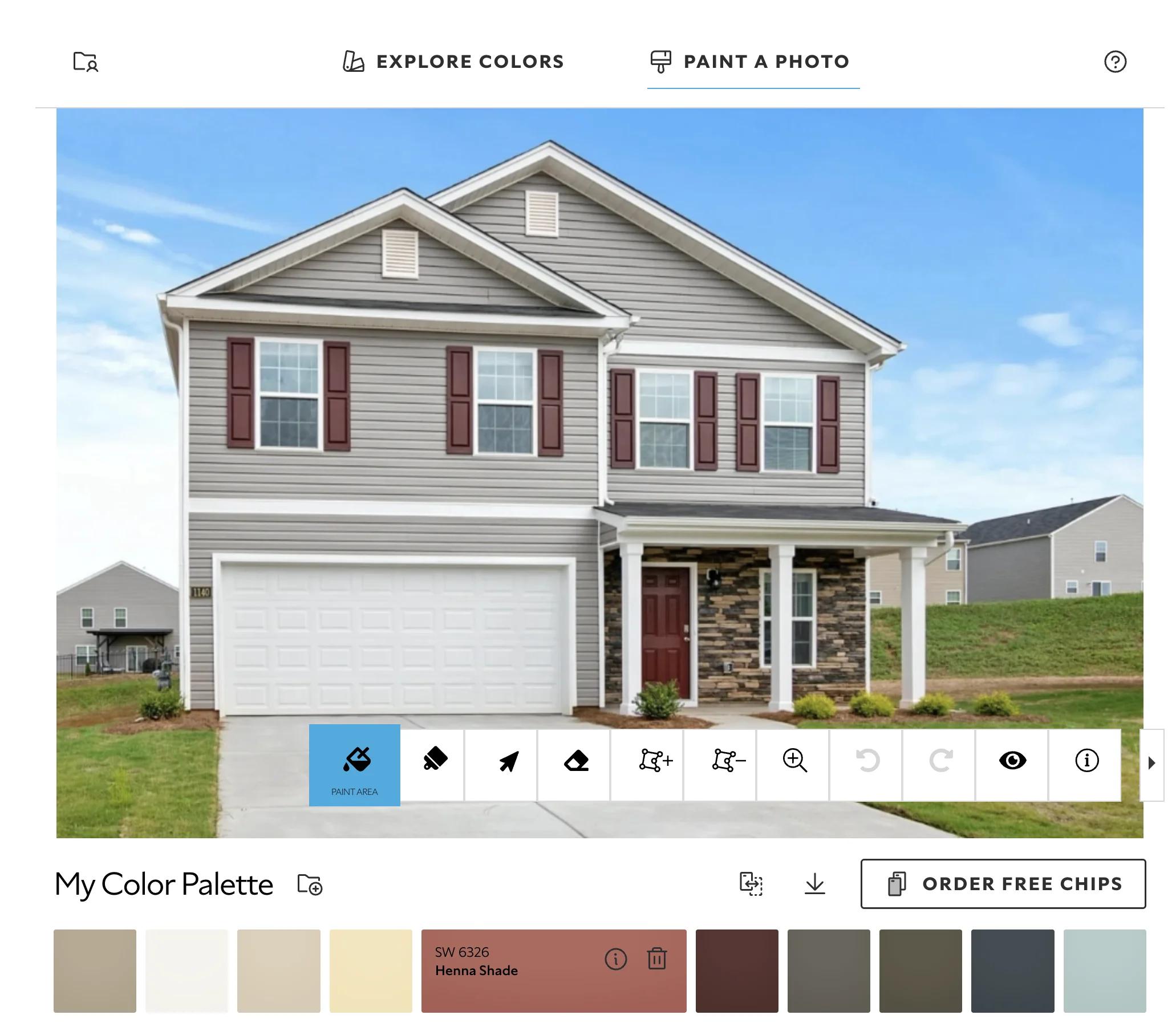
Preview paint colours online without paying, understand free-tool limits, and turn a room photo into a realistic painting plan.
1 min read
Our company
DecorAdTech Advice builds DecorAd for the person who will sit on the sofa, not only for a listing photo. Pretty AI rooms are easy. A plan you can edit and furniture you might actually buy is the work.
It started with a broken light switch. Nothing dramatic. An old, cheap switch finally gave up on a Tuesday night, right as I was walking through the door with both arms full of groceries. I stood there in the dark for a good ten seconds, annoyed at myself for not fixing it sooner, and I remember thinking, okay, there has to be a better way to do this.
That was the entire plan, if you can even call it that. I didn't have a vision board or a budget spreadsheet or a list of gadgets I'd been dreaming about. I had one dumb inconvenience, and it slowly turned into a few months of making my apartment a little smarter, one room at a time. Some of my choices were good. A few were just plain silly. I kept notes on all of it, so this is the honest version: what I bought, what it cost, what I'd skip if I did it again, and what I wish someone had told me on day one.
If you're reading this because you're curious but a little skeptical, good. That's exactly where I was, and I honestly think that skepticism is what stopped me from wasting a lot of money.
My first reaction when I started researching was to close the tab. Seriously. It's a lot. Every website has its own "best of" list, half the brands sound like they were invented last Thursday, and prices jump from $15 to $250 for things that look identical in the photos. I spent one whole evening reading comparisons and ended up knowing less than when I sat down.
What finally helped was changing how I looked at it. I stopped treating DecoradTech home devices as a shopping list and started treating them like pieces of a puzzle that have to fit together. A smart plug on its own is a mildly clever plug. One camera on its own is just a camera pointed at your couch. But once a few of them start talking to each other, something shifts. It stops feeling like you own a drawer full of gadgets and starts feeling like the house is quietly looking out for you.
That shift saved me money too, which I didn't see coming. Before buying anything, I started asking myself three questions. Does this fix a real annoyance I have right now? Will it work with what I already own? Would I still want it a year from now? If something couldn't pass all three, it sat in my cart for a few days and then quietly got deleted. Most of the stuff I didn't buy was stuff I'd forgotten about by the weekend, and that tells you something.
I kept my first purchase small on purpose, mostly because I wasn't sure I'd stick with any of this. I bought an Echo Dot for about $49.99. I plugged it in on a Sunday, said "turn on my lamp" to a smart plug I'd set up across the room, and the lamp just turned on. I didn't get up. I didn't touch a thing.
I felt a bit silly about how much that tiny moment amused me. I said it a couple more times just to make sure it wasn't a fluke. But that's when I got hooked, and if you're on the fence, I think it's the right way in. Start with something cheap that gives you a small win in under ten minutes. You'll learn more from one working lamp than from five hours of reading reviews.
After that I picked Alexa as my ecosystem, mostly because the Echo Dot was already sitting on my shelf. Then I gave myself one rule: from now on, I'd only buy things that support Matter. Matter is a shared standard that lets devices from different brands work together, so you aren't stuck inside one company's app. I'd read enough horror stories about people juggling six different apps just to turn off one lamp, and I really did not want to be that person. That one rule saved me a lot of headaches later.
To be fair, "supports Matter" on the box doesn't mean every feature will work perfectly everywhere. Some of the more advanced settings still live inside the maker's own app, and now and then a device needs a little coaxing to connect. I think of Matter as a safety net, not magic. It keeps you from being trapped, but it doesn't smooth out every rough edge.
This is the part that made a real difference day to day, and almost none of it was expensive.
The best money I spent went on smart plugs. I picked up a four-pack of Kasa plugs for around $42.99, and what I love about them is that you keep everything you already own. My coffee maker, an old lamp, and a box fan that's older than my lease all became "smart" without me replacing a single thing. I set the coffee maker to start at 6:45, five minutes before my alarm. The first morning it worked, I walked into the kitchen half asleep and the smell of coffee was already in the air. Small win, but it stuck with me. I still think about it on slow mornings.
Plugs are also good for the boring stuff people forget about. A space heater you don't want running while you're out. A string of decorative lights you always leave on. A fan that runs all afternoon in an empty room. Putting those on a schedule is where you quietly stop wasting power without changing any of your habits. One practical note: check the plug's rated load before you connect anything heavy, and don't put a plug on something that shouldn't lose power suddenly.
Motion sensors surprised me. I expected a gimmick, and it wasn't one. Lights that come on when someone's actually in the room and switch off when nobody is, without me having to remember, sounds minor until you live with it. Hallways and bathrooms are where it pays off most, especially at night when you don't want to blind yourself at 3am. Give yourself a few days to tune the timeout, because lights that shut off while you're sitting perfectly still on the sofa are a very specific kind of irritating. I found that out mid-episode, in the dark.
Then there's the camera. I put a Wyze Cam v3 in the living room. It's one of the cheaper options out there, and honestly I didn't expect much from something that inexpensive. A few weeks later I was traveling for work when I got a motion alert at 2am. I opened the app half-panicked. It was the cat, knocking a plant over again. I felt relief and mild annoyance at the cat in about equal measure. But that was the moment it clicked for me why people value this stuff. Knowing what's going on at home while you're away changes how it feels to be away.
The other hacks I've come to love cost nothing at all. I name my routines after how I actually live, like "Leaving" and "Movie night," instead of using technical labels. I set a nightly "everything off" routine so I'm not walking room to room checking. And I put a plug on the one lamp I always forget to switch off. None of it is glamorous, but together it's the difference between owning gadgets and living in a home that works with you.
Once the basics felt comfortable, I let myself add bigger things, but gradually. I think that matters more than people admit. If you buy everything in one weekend, you end up with a pile of half-configured devices and no idea which one is misbehaving. I've watched friends do exactly that, and it isn't fun to untangle.
The first big one was a video doorbell. An Arlo Video Doorbell, around $129.99, replaced the plain one that came with the apartment. Now I can see and talk to whoever's at the door from my phone, whether I'm on the couch or in another city. It's handy for deliveries too, since I can check whether a package has arrived without getting up. If you're renting, look at your lease and your building's setup first, because some doorbells need wiring and others run on batteries.
The thermostat was the purchase that made me nervous. The Nest Thermostat, $229.99, is a lot of money to spend on something that just sits on a wall. It took close to two weeks before it started getting my preferences right, and there were a few nights I woke up too cold or too warm while it figured me out. I got annoyed enough to think about switching it to manual. I'm really glad I didn't, because by the next bill the difference was noticeable enough that I stopped second-guessing the purchase. If you buy one, be patient with that learning period. It's the price of it eventually doing the work on its own.
Lighting ended up mattering far more than I thought it would. A Philips Hue starter kit changed the actual feel of my living room. It's bright and clean in the morning, then warm and dim by evening, and I don't touch anything. If the full Hue lineup feels like too much money, the Essentials range gets you most of the way there for close to half the price. And if you'd rather skip a hub altogether, Govee bulbs are a simpler way in. Lighting is the upgrade most people underestimate, because you notice it every single day without ever thinking about it.
If I were starting over, this is what I'd tell myself, and it's the stuff I learned the slow way.
Fix your Wi-Fi first. I didn't, and I spent two weeks blaming my devices for problems that were really just a weak signal from a router stuffed in a closet. Move it somewhere open and central. If your place is large, a mesh system is worth thinking about. A surprising number of "my smart device keeps going offline" complaints come down to exactly this.
Then pick one ecosystem, whether that's Alexa, Google, or Apple, and don't overthink it. Just commit. Switching later is a pain, and the differences between them matter a lot less than the internet makes them sound.
Start with one room. I did the living room first and left everything else alone for a few weeks. It kept my budget sane and let me figure out what I actually liked before spreading it around the whole apartment.
Automations matter more than device count. A couple of well-timed schedules will beat ten gadgets you never configured properly. I know people with a drawer full of smart devices they set up once and abandoned, and one good routine you use every day is worth more than a dozen you don't. Name your devices sensibly while you're at it. It sounds trivial and it isn't, because "Living room lamp" works fine and "Plug 3" ends with you shouting at your speaker.
And give it time. I caught myself manually checking whether the coffee maker had turned on for about three weeks after it was already working perfectly. Old habits take a while to let go of, and learning to trust automation is its own small adjustment.
Security deserves a few words too, without turning you into someone who's paranoid about it. Smart devices live on your network, so a little care goes a long way. Use a strong, unique password for each device account, and turn on two-factor authentication wherever it's offered. Install firmware updates when the app asks, because they often include security fixes. Think about where cameras go: living areas and entry points are one thing, bedrooms and bathrooms are another. Be a little wary of very cheap no-name devices with no update history, because a gadget that never gets updates slowly becomes a risk. And take five minutes to check who has access to your camera footage, especially if you've shared your account with a partner or a roommate.
As for what all this costs, a basic starter setup, meaning an Echo Dot, a pack of smart plugs, a budget camera, and a cheaper doorbell, can land under $250 total. That's less than the thermostat alone cost me. You don't need to spend big to get started. You just need to spend thoughtfully.
Once the basics were running, I started thinking less about what each device could do and more about how they could fit the way I actually live. That's where the difference between smart home gadgets and smart home ideas really showed up. A smart home isn't a collection of devices. It's a set of small decisions about how your space should behave when you're in it, when you're out, and when you're asleep.
The living room is where most people begin, and for good reason. Warm, dimmable lighting in the evening changes the mood of a room more than almost any piece of furniture. A "movie night" scene that dims the lights and gets everything ready with one phrase feels a bit like magic the first time you use it. Add a lamp on a smart plug and a motion-activated light near the entrance, and the room starts looking after itself.
The kitchen is a great place for small wins. A coffee maker on a schedule, lighting under the cabinets that comes on as you walk in, and a smart speaker to set timers when your hands are covered in flour. You don't need a kitchen full of connected appliances. A couple of well-placed helpers do the job, and they're much less likely to annoy you.
In the bedroom, the goal is calm rather than cleverness. Lights that dim gently in the evening, a lamp you can turn off from bed without getting up, and a thermostat schedule that cools the room a little before you sleep. I'd skip anything that blinks, glows, or beeps. Your bedroom should be the quietest part of your smart home.
Entryways and hallways are where motion lighting really shines. Coming home with your hands full, like I did on that Tuesday night, is exactly the situation smart lighting solves best. Add a video doorbell and you've covered the front of your home without much effort.
Then there's energy. Smart plugs with schedules, a thermostat that adapts to your routine, and lights that turn off when nobody's around all cut down on waste without asking you to change your habits. Some smart plugs also show how much power a device is using, which can be eye-opening. A few of the biggest energy wasters in any home are things you'd never suspect until you actually measure them.
The last idea is probably my favorite, which is making the technology blend into the room. The best smart devices barely register. I don't want my living room to look like a tech showroom. Small choices help, like neutral finishes that match what's already there, cables tucked out of sight, and hubs and chargers hidden behind furniture or on a shelf. There's also something to be said for consolidating. One good smart switch that replaces a confusing bank of toggles is nicer to live with than three gadgets doing the same job. The goal is a home that feels like a home first and just happens to be a little helpful.
The thread running through all of these ideas is the same. Start with a real moment in your day that annoys you, and design a small fix for it. Don't start with a device and go hunting for a reason to use it.
"Home upgrading" can sound like a big, expensive project. It doesn't have to be. The way I've come to think about it, an upgrade is just a planned sequence of small improvements, each one building on the one before.
Once your Wi-Fi is solid and your ecosystem is chosen, the next stage is the cheap wins: smart plugs, a smart speaker, and a few smart bulbs. This stage costs little and gives you the most immediate payoff. It's also where you learn how you actually use these things, which is worth more than any review you'll read.
Then you add awareness. Motion sensors and a budget camera give your home a sense of what's happening. Lights respond to you, and you can check in when you're away. This is also where you start building real automations, the kind that quietly save you a few seconds a dozen times a day.
After that, and only after that, come the big-ticket items. A video doorbell and a smart thermostat cost more and take longer to settle in, so they're worth buying only once you're comfortable with the basics. Both of mine had a learning curve, and I was glad I wasn't also troubleshooting ten other new devices at the same time.
The final stage is refinement. You tune your routines, rename things that confuse you, remove devices you never use, and add finishing touches like nicer lighting. It's also a good moment to go back and revisit your security settings.
If you rent, you can still do nearly all of this. A lot of people assume smart homes are only for owners, and that's simply not true. Most of what I've described needs no drilling and no rewiring. Smart plugs, bulbs, battery-powered sensors, and plug-in cameras all come with you when you move out. The things to be careful about are anything hardwired, like a doorbell, a thermostat, or a light switch. Read your lease, ask your landlord if you're unsure, and always keep the original parts so you can put everything back the way it was. I did that with my old doorbell, and it's sitting in a drawer just in case.
People sometimes ask how we decide which brands and products end up on the site, and who we work with. It's a fair question, and I'd rather answer it plainly than dodge it.
When we talk about partners, we mean the brands, retailers, and creators whose products and information help readers make better decisions. That kind of relationship only makes sense if the reader comes first. A product gets covered because it solves a real problem well, not because there's a relationship behind it.
When we consider working with a brand or a store, a few things matter to us. First, the products have to hold up in real homes. A device that looks great in marketing photos but falls apart in a normal apartment isn't useful to anybody, so we care about how something behaves over weeks and months, not just on unboxing day. Second, we like honest pricing. Since we always include prices, we prefer partners whose costs are clear and who don't hide extra charges behind subscriptions or add-ons. If a camera needs a paid plan to be truly useful, we say so.
Compatibility is another big one. Given how much I care about Matter and clean ecosystems, we look closely at whether a product plays well with Alexa, Google, and Apple, and whether it needs its own hub or app. We also look at support and updates, because a smart device is only as good as its firmware and the company behind it. Products that never get security updates, or that get abandoned by their makers, don't belong in a home you care about. And since part of our focus is making technology feel at home in a well-designed space, we lean toward products that look considered and don't scream "gadget."
We also believe in being upfront with you. If we ever earn a commission from a link or receive a product to test, that should be clear, and it should never change what we say about the product. If something disappoints us, you'll hear about it. And if you're a brand or creator who shares these values and wants to work with us, we'd genuinely like to hear from you.
DecoratorAdvice.com is basically for people who were where I was a few months back: curious, a bit skeptical, and not sure any of this is worth the money. We try to write about it honestly, with prices included, based on actually using the stuff rather than just listing specs.
We're not trying to sell you a fully automated dream home. We're trying to help you fix real, everyday annoyances with the least fuss and the fewest wasted dollars, whether that's a broken light switch, a cold house, or a coffee maker you'd love to start by itself.
We keep the site alive by testing, updating, and adding new material all the time, and this is where we share what's moving.
New reviews come first. As we try more devices in our own homes, we add hands-on write-ups with real prices and honest notes on setup, quirks, and anything that annoyed us. We'd rath
Questions about how we work, privacy, or credits? See our FAQ or pricing.