Tool
Wall change from a room photo
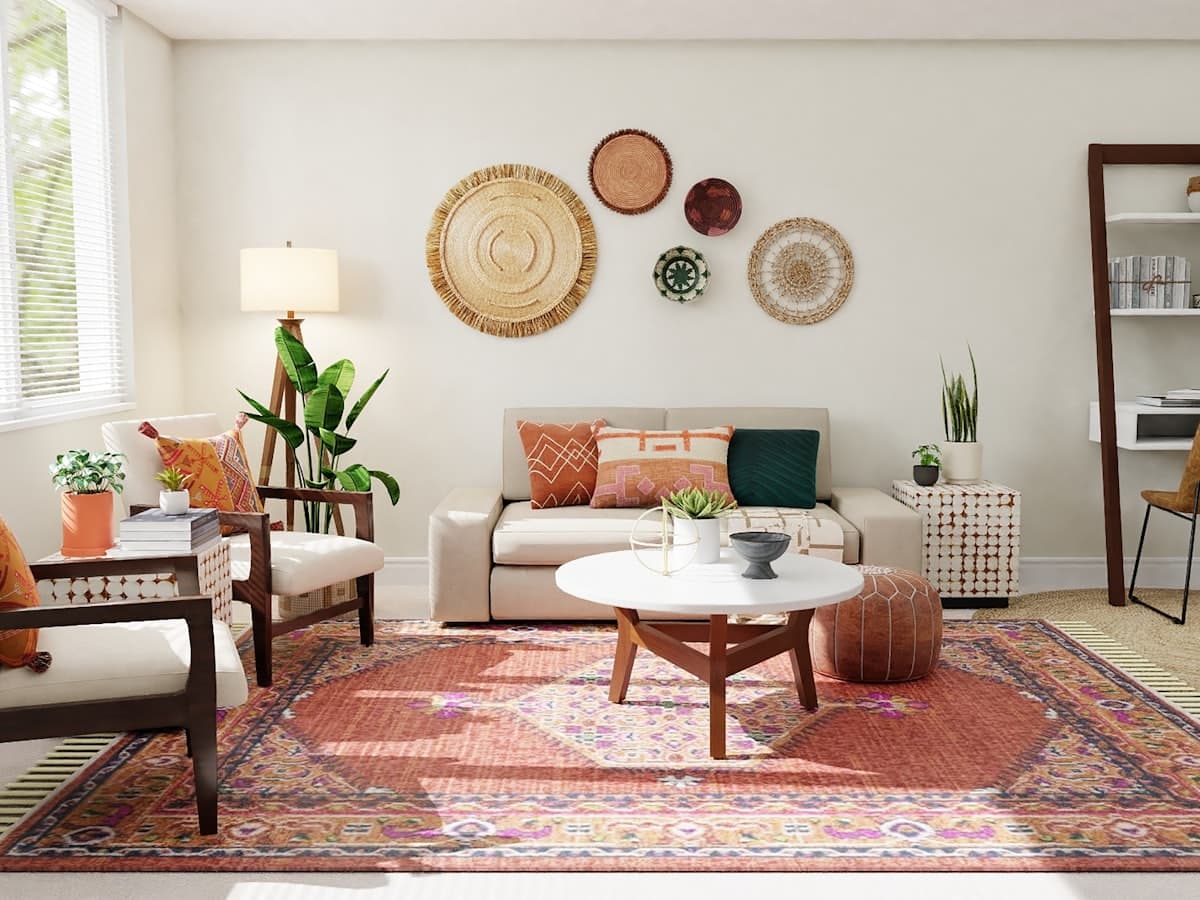 Trying a quieter wall
Wall change is for color and surface, not a new floor plan. You like the sofa where it is. You want to see plaster, paint, or wood slats on the wall that is already in the photo. DecorAd still cares about furniture that fits: a darker wall can make a sofa look larger, which is why you should not buy from a wall mock alone. Confirm paint in daylight in the real room.
What the camera must include
Show the full wall you want to change, plus enough furniture so the scale is honest. Cropping to a swatch on one corner is useless. If a window is on that wall, keep the window. We do not sell paint; the image is educational.
Style is a hint, not a brand of plaster
Japandi walls are quieter than Indian contemporary color. Pick a style so the wall language matches the furniture you will keep. Room type still stops a kitchen splashback job from using a living-room wall tool — we do not offer backsplash as a separate category until the model can see worktops.
Phase honesty
Generate will not paint your pixels yet. The after-image is a catalog stand-in. Selecting Wall change records intent in history. When the API exists, this job should edit the wall plane and leave sofas tagged as they were.
Use Wall change with your photo
Other tools
- Room redesign — Keep your walls and walkways. Change the furniture plan so pieces can sit in this room.
- Empty room staging — Start from a vacant floor and place furniture that can actually fit the room you photographed.
- Remove furniture — Clear pieces you do not want, and keep the architecture so you can plan what to add next.