Tool
Room redesign from a room photo
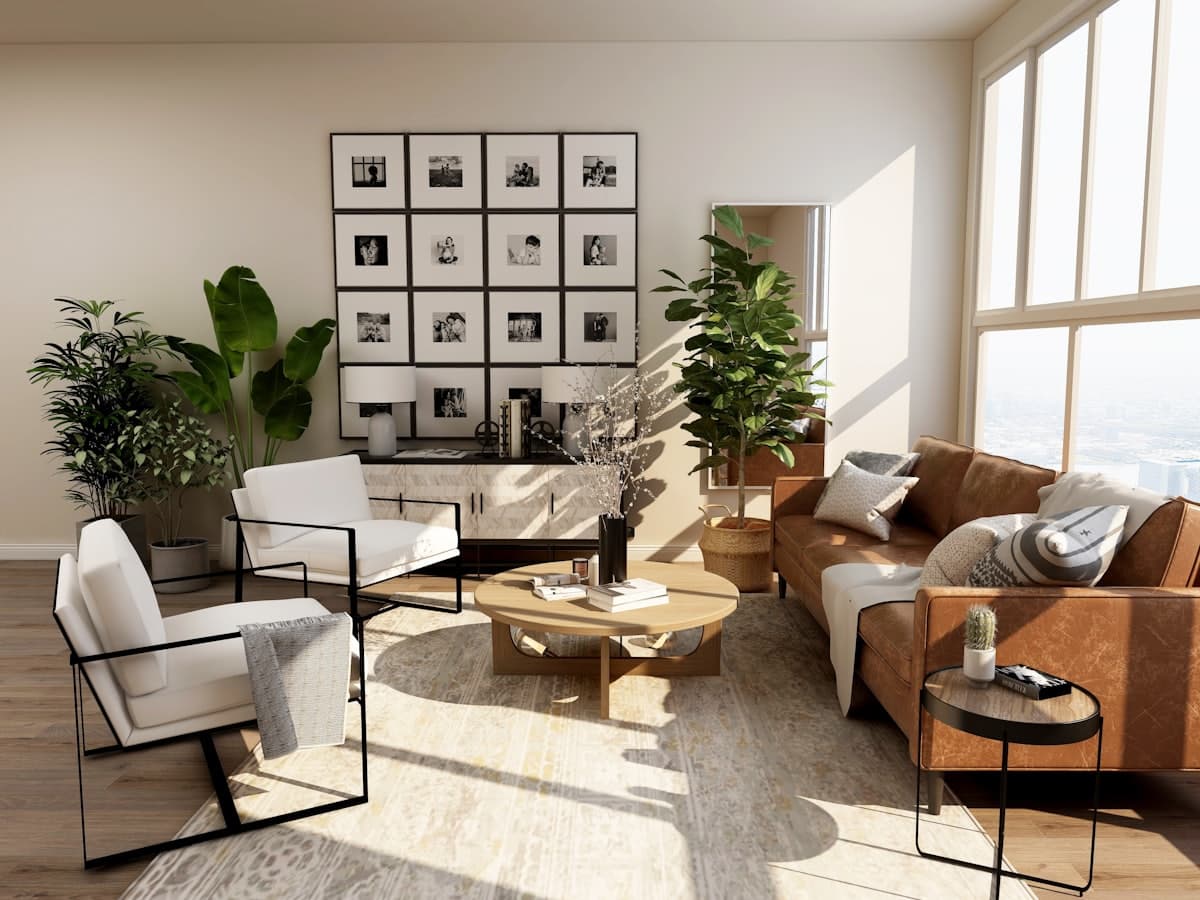 BeforeRedesign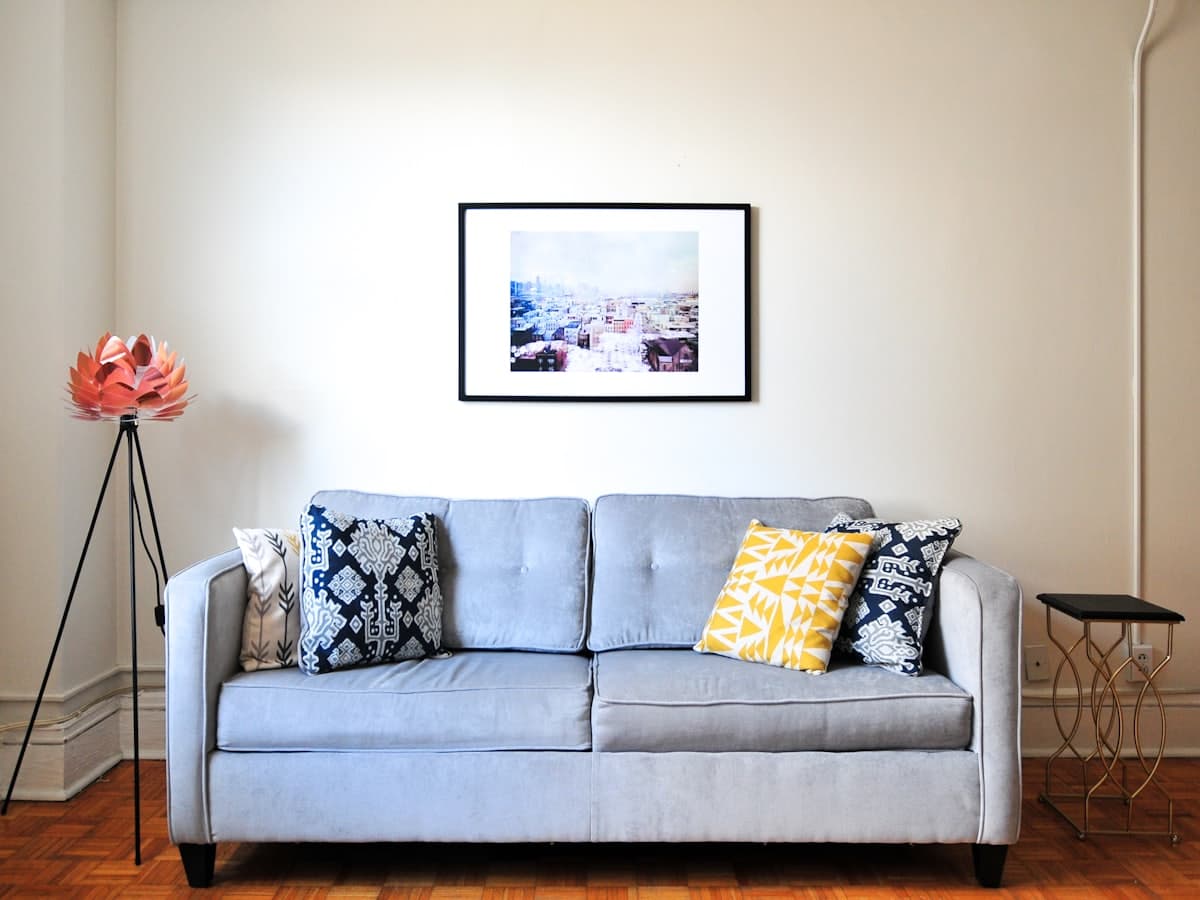
Room redesign is the default DecorAd job: you already live in the space, the photo shows two walls and the floor, and you want a new layout that still belongs to those walls. We are not a listing-staging product for empty MLS photos. The point is to see sofas, tables, and rugs in your room so you can decide what to buy, swap, or skip. Tags on the result will say look-only or an example price. Measure door swings before you order anything the image suggests.
When to use a full redesign
Use this when the room is occupied or half-styled and the problem is the plan, not a single chair. A redesign should keep windows, radiators, and circulation. If the generate pass later is honest, it will not invent a second window. Style still matters: Modern versus Gulf changes silhouette, not the footprint of the room.
What you still choose
Pick a style so the furniture language is consistent, and a room type so kitchens do not become lounges. The after-image in this phase is a stand-in from the style catalog so you can practice tags and swap. Real generate will use your photo. Credits only drop after a successful run.
How this differs from staging an empty shell
Empty-room staging assumes a vacant floor and fills it. Redesign assumes your stuff, your light, and your doors. If the photo is truly empty, open Empty room staging instead so the model is not asked to preserve furniture that is not there.
Use Room redesign with your photo
Other tools
- Empty room staging — Start from a vacant floor and place furniture that can actually fit the room you photographed.
- Remove furniture — Clear pieces you do not want, and keep the architecture so you can plan what to add next.
- Add furniture — Keep most of the room. Place one or two pieces that can sit in the empty spots you can see.