Tool
Empty room staging from a room photo
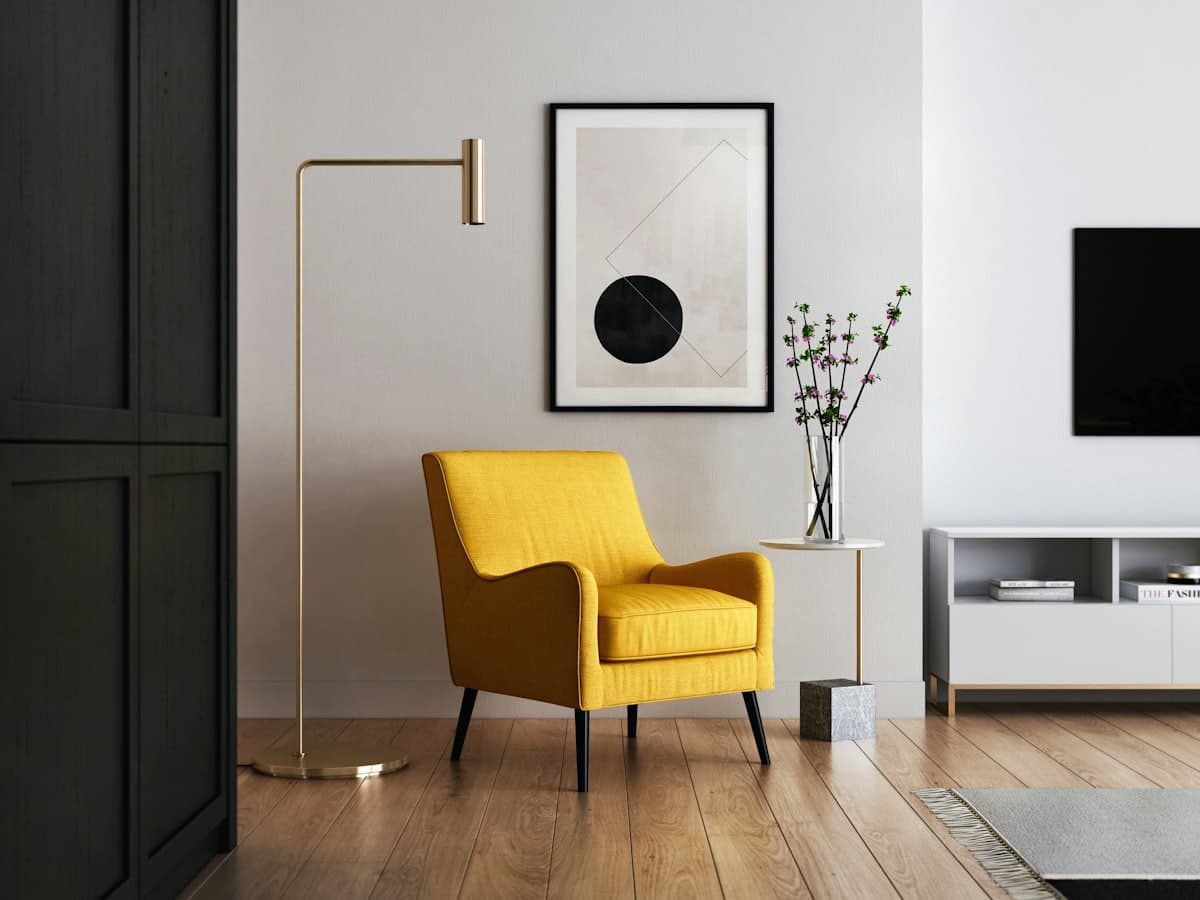 Empty plate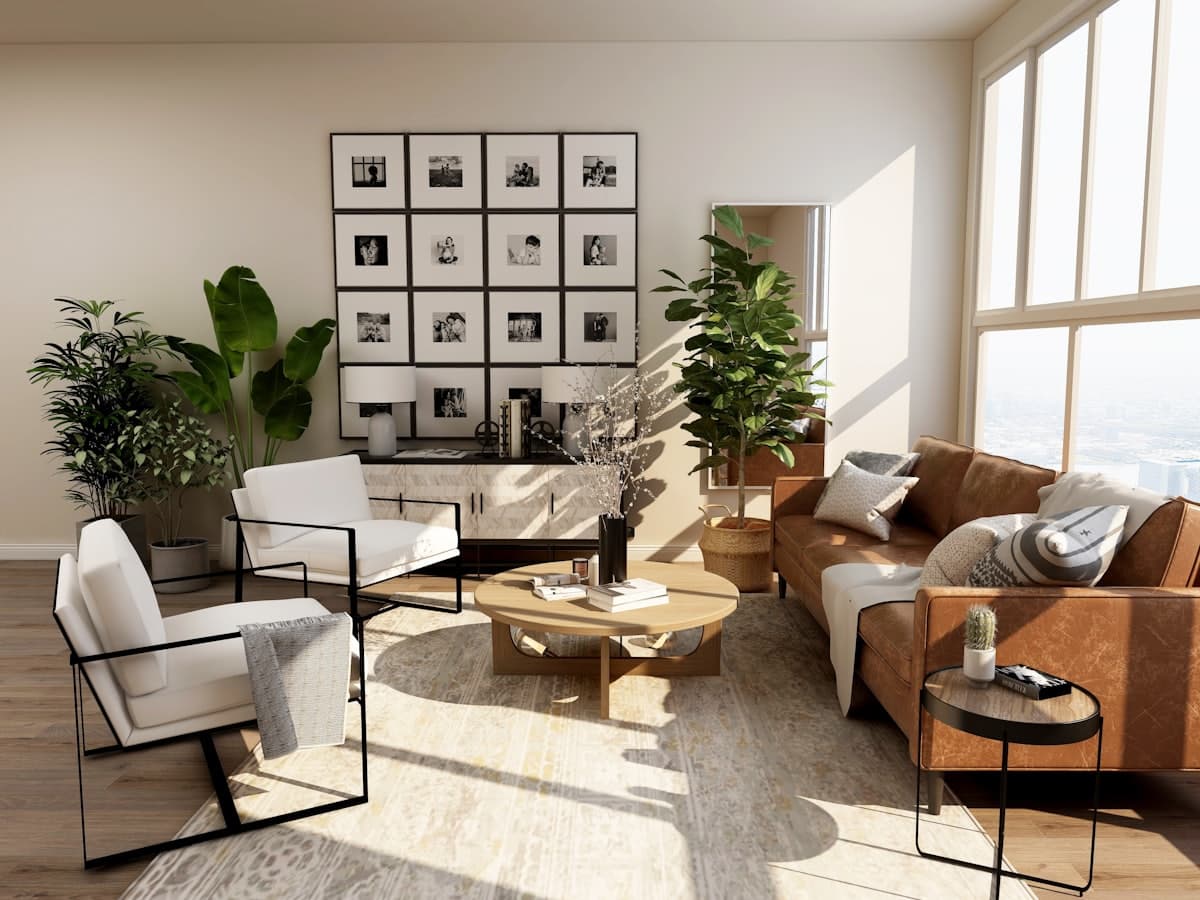
Empty room staging is for vacant photos: new builds, cleared flats, or a room you emptied on purpose. The job is to put seating, a rug, and storage on the real floor plate without crowding doors. Unlike listing tools built for agents, DecorAd still aims at pieces you might buy for this address. Look-only items stay labeled. We will not pretend a staged sofa is in a cart until shopping exists.
What the photo must show
Stand in a corner so two walls, the floor, and any openings are in frame. Empty rooms fail when the camera is too close to one wall: the model cannot tell how deep the space is. Include baseboards. If a balcony door is in the shot, leave a path to it in the result you accept.
Style still applies
Gulf seating is not Scandinavian. Choose a style so the first furniture set matches how you actually live. Room type keeps a vacant kitchen from receiving a sectional. After generate, use swap on one item if the sofa is right but the table is only a look.
Honest limits in this phase
The studio still returns a catalog after-image, not a true render of your empty photo. Use the loop to pick the job, style, and room, then read tags. When the model is connected, empty staging should fill the floor you uploaded, not a stock interior.
Use Empty room staging with your photo
Other tools
- Room redesign — Keep your walls and walkways. Change the furniture plan so pieces can sit in this room.
- Remove furniture — Clear pieces you do not want, and keep the architecture so you can plan what to add next.
- Add furniture — Keep most of the room. Place one or two pieces that can sit in the empty spots you can see.