Tool
Floor change from a room photo
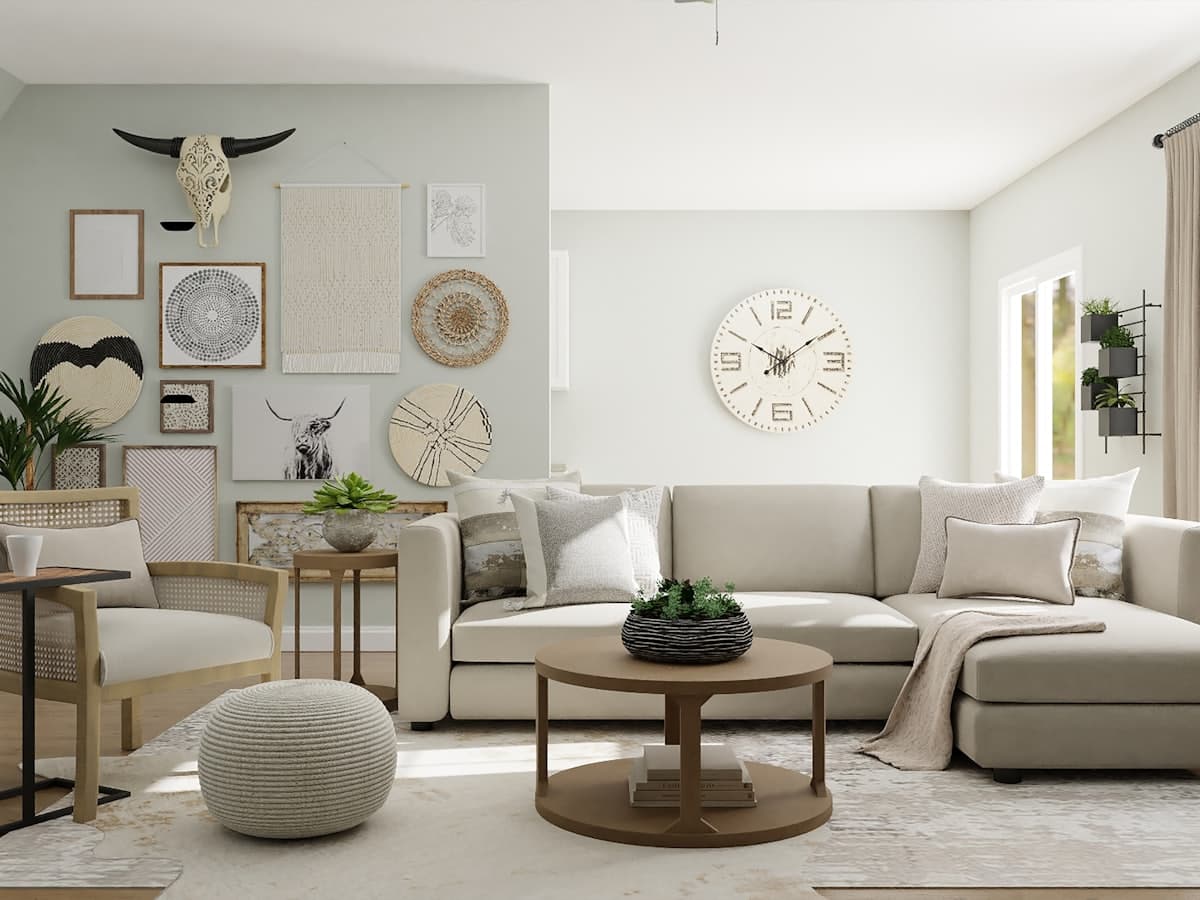 Previewing a floor finish
Floor change is for finish, not furniture shopping by itself — though a new floor can make you want a different rug. Show the existing floor clearly. Do not stand so close that only three boards are visible. DecorAd will not tell you a SKU is in stock. Example prices on rugs still need a tape measure. Tile in a kitchen photo must respect wet zones; we are not a contractor.
Photograph the plane
Tilt down enough to see board direction or tile grid, and keep a door in frame so you know where the finish should stop. Outdoor floors are a different room type. Do not use Floor change on a photo that is mostly ceiling.
Style and room together
Scandinavian light oak is not Gulf stone. Room type keeps a bedroom carpet idea out of a wet kitchen. After you like a floor, you may still run Add furniture for a rug that sits on it. Credits are per successful generate, not per material you mentally try.
What is fake today
The after-image is not your boards with a new stain. It is a catalog room in the style you picked so the studio job is selectable. Real floor edit is later. Visualization only: confirm samples in the real light before you buy flooring.
Use Floor change with your photo
Other tools
- Room redesign — Keep your walls and walkways. Change the furniture plan so pieces can sit in this room.
- Empty room staging — Start from a vacant floor and place furniture that can actually fit the room you photographed.
- Remove furniture — Clear pieces you do not want, and keep the architecture so you can plan what to add next.