| Factor | What to expect |
|---|---|
| Best for | Comparing colours, finishes and decorating directions |
| Budget range | Free exploration; optional paid features and separate furnishing costs |
| Difficulty | Low for images; higher for translating them into purchases |
| Time | Allow an example 30–60 minutes for a focused first session |
| Maintenance | Save useful results and update references as the room changes |
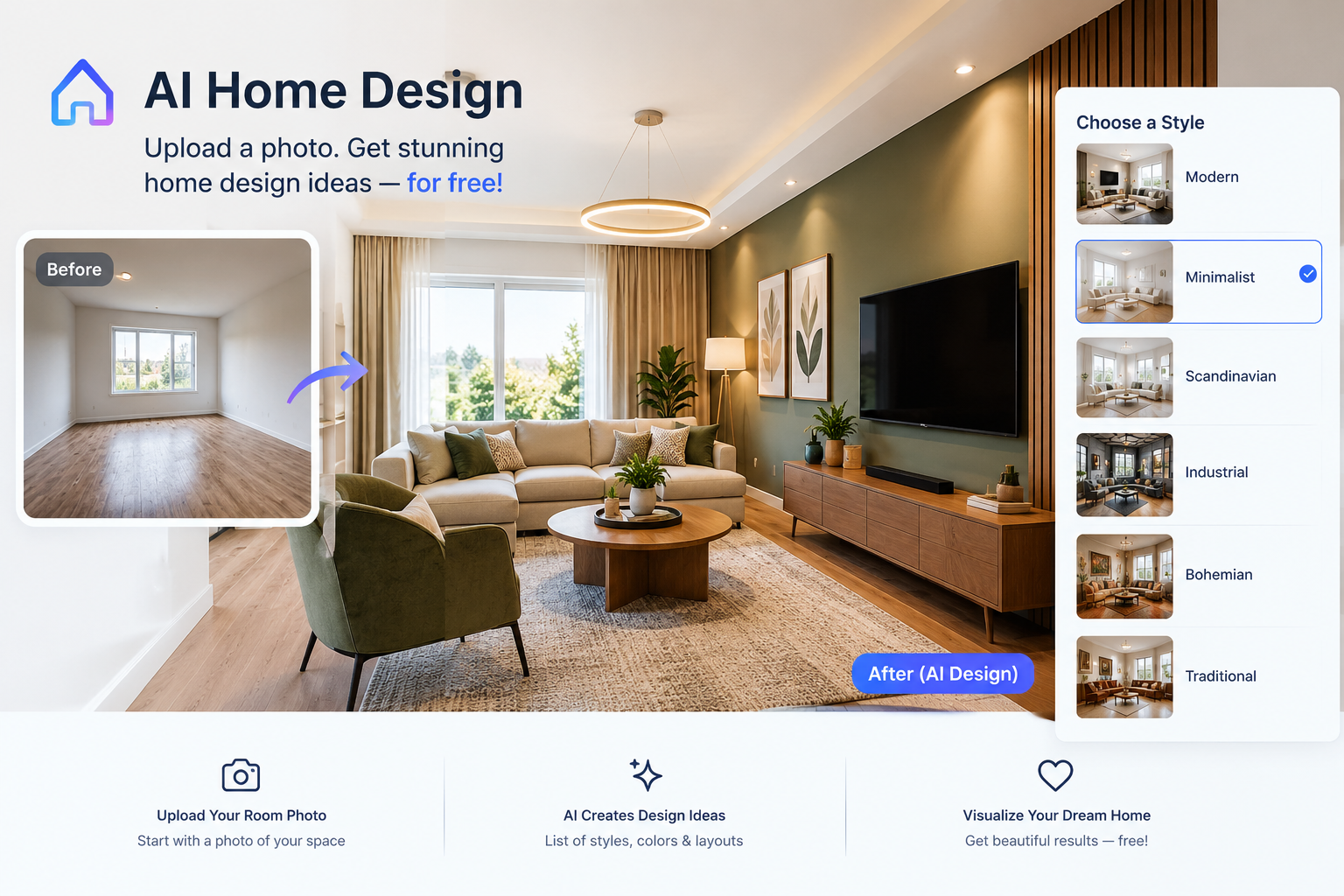
- Photo-restyling tools: Useful for seeing your room in different decorative treatments. Free access may limit credits, resolution or the ability to preserve particular objects.
- General-purpose AI image tools: Useful for exploring a mood or editing an image where supported. They may struggle to keep architecture consistent across versions.
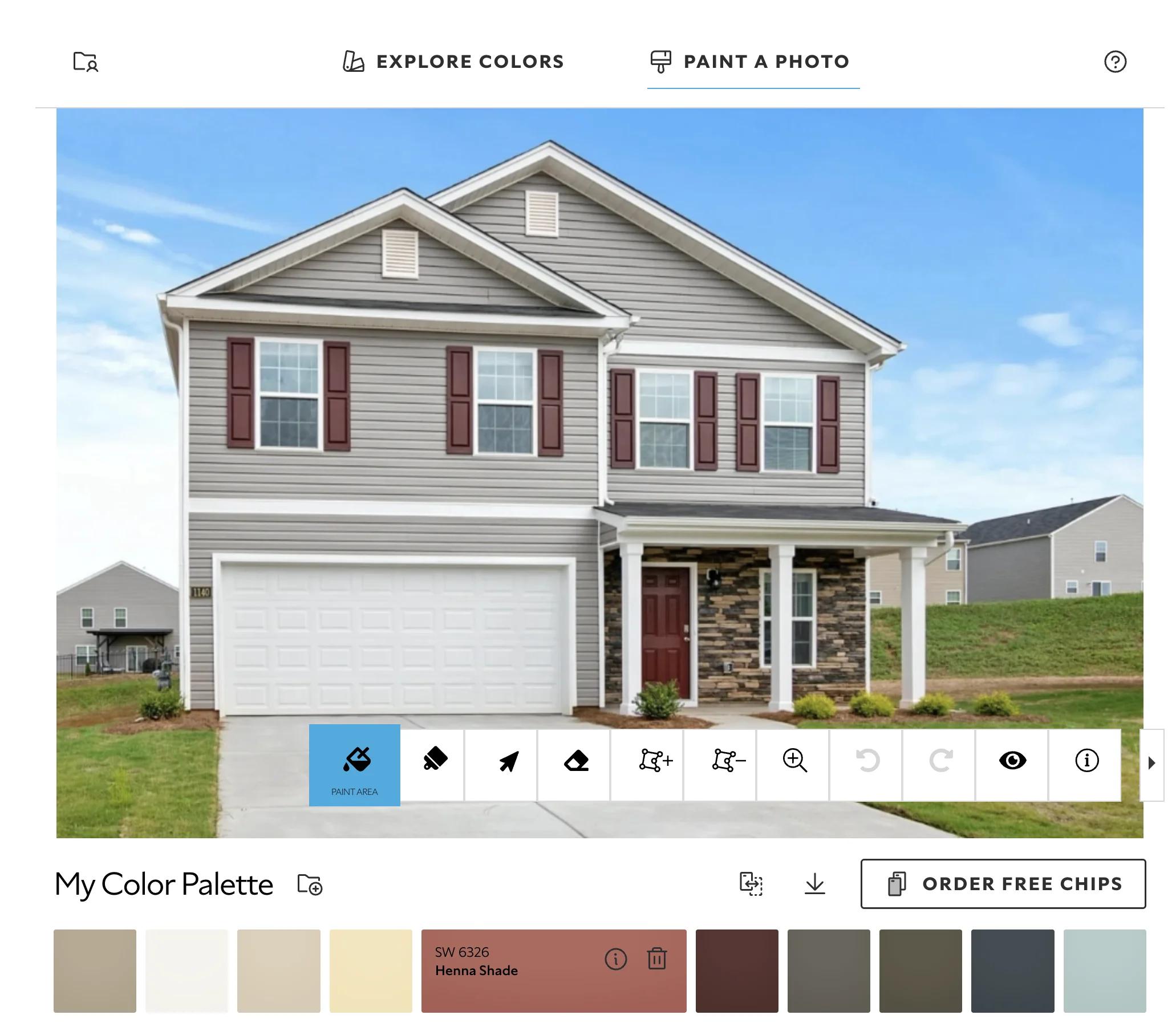
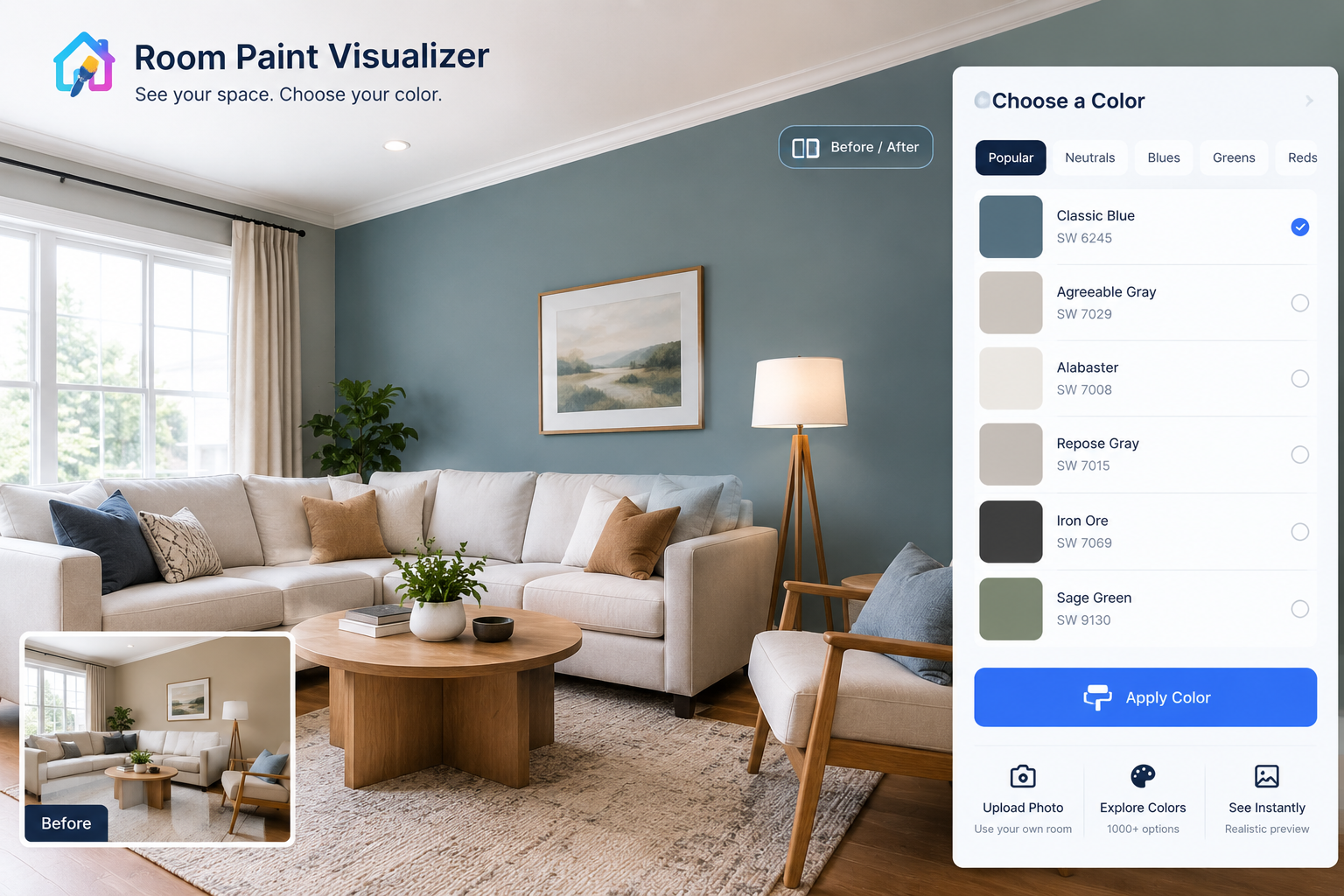
- Retailer visualisers: Useful for previewing selected paint, flooring or furniture. Choice is usually limited to the retailer’s catalogue, and colour remains screen-dependent.
- Text-based AI advice: Useful for organising a brief, comparing materials or drafting a shopping checklist. Product availability, dimensions and technical claims still need checking.
- Buying by resemblance alone. A similar-looking chair may be too deep, uncomfortable or difficult to clean.
- Ignoring supporting work. A wall-mounted cabinet may require suitable fixings, installation and repairs, not just the purchase price.
- Upgrading before testing the basics. Check whether the tool preserves your room accurately enough before paying for higher-resolution output.
- Low: $0–$150. Rearrange existing belongings, test paint samples or add a small number of accessories.
- Mid: $150–$800. Consider curtains, a modest rug, lamps or a limited paint refresh, depending on room size and labour.
- Higher: $800–$3,000 or more. Replace a major furniture item or combine several updates. Custom work and renovation can exceed this substantially.
Ai home design free: Better Room Ideas Without Paying
What Determines the Real Cost?
A Room Image Is Not a Measured Design
Set Up One Useful Design Test
Photograph the room honestly
Name what cannot change
Give the tool a narrow brief
Add climate, space and spending limits
Choose the Kind of Free Help You Need
Pair AI Ideas With Physical Evidence
Avoid Paying to Pursue an Impossible Image
Protect Privacy and Check the Practical Limits
When Free AI Is the Wrong Starting Point
Budget for the Room, Not Just the Software
Keep the Useful Ideas After the Novelty Fades
Questions Before You Upload a Room
Is AI home design genuinely free?
Can I use it without creating an account?
Will it keep my existing furniture?
Can it show an exact paint colour?
What if my room is cluttered?
Can I shop directly from the image?
Is it useful for renters?
How many versions should I generate?
Should I pay for a better download?
Do I still need a designer?
Turn One Good Image Into a Sensible Next Step
A room can feel wrong long before you know why. Perhaps the sofa looks heavy against pale walls, or the bedroom never feels settled despite several purchases. Free AI design tools can help you explore those visual problems without buying another item on guesswork.
If you have searched for “ai home design free,” the useful question is not simply which service costs nothing. It is what its free version lets you test—and whether the result respects the home you actually have. For renters, first-time decorators and homeowners refreshing one room, these tools work best as a way to compare ideas, not as instructions for building or buying.
Your scope depends on the number of images you need, how precisely you want to control changes, and whether downloads require payment. The larger expense comes later: replacing furniture, changing finishes or commissioning work suggested by the image.
Photo restyling changes the appearance of an uploaded room. Text-to-image generation creates a scene from a written description, often with little connection to your actual dimensions.
Neither should be confused with a measured drawing. An attractive image may widen a doorway, shrink a sofa or invent storage inside a solid wall. Treat it as a visual suggestion until measurements, samples and product specifications support it.
Use daylight, switch off strong coloured lighting and photograph from a corner at roughly chest height. Include the floor, windows and furniture you intend to keep. Avoid an extreme wide-angle setting: stretched edges can make a small room appear much larger.
Remove private documents and identifiable family photographs before uploading. You need a clear view, not a professionally staged room.
Write down fixed features before selecting a style. Flooring, radiators, doors, kitchen cabinets and a much-used armchair may all belong on that list.
For a rental, distinguish between movable furnishings and alterations requiring permission. Ask for freestanding storage, rugs and plug-in lighting rather than replacement joinery. “Removable” adhesive products can still damage paint, so check both the lease and the finish.
Start with one problem: a visually crowded sitting room, an uninviting dining corner or mismatched bedroom colours. Requesting a complete makeover makes it harder to identify which change actually helps.
A useful prompt might read:
“Restyle this small rented living room using the existing sofa, timber floor and curtains. Keep all windows and doors unchanged. Suggest warm off-white walls, muted blue accessories and one compact freestanding bookcase. No construction or ceiling changes.”
The tool may still ignore those constraints. Check each result against the original photograph.
In a humid home, favour washable textiles and furniture materials suited to moisture exposure. In strong sunlight, consider glare, fading and window coverings. AI images cannot verify a fabric’s performance.
For small spaces, measure furniture depth and door clearance separately. Set a spending ceiling before generating options; otherwise, a simple colour exercise can become an unnecessary replacement scheme.
Free tiers change. Before uploading, check current limits, download conditions, cancellation terms and whether a payment card is required. A free trial with automatic billing is different from an ongoing free allowance.
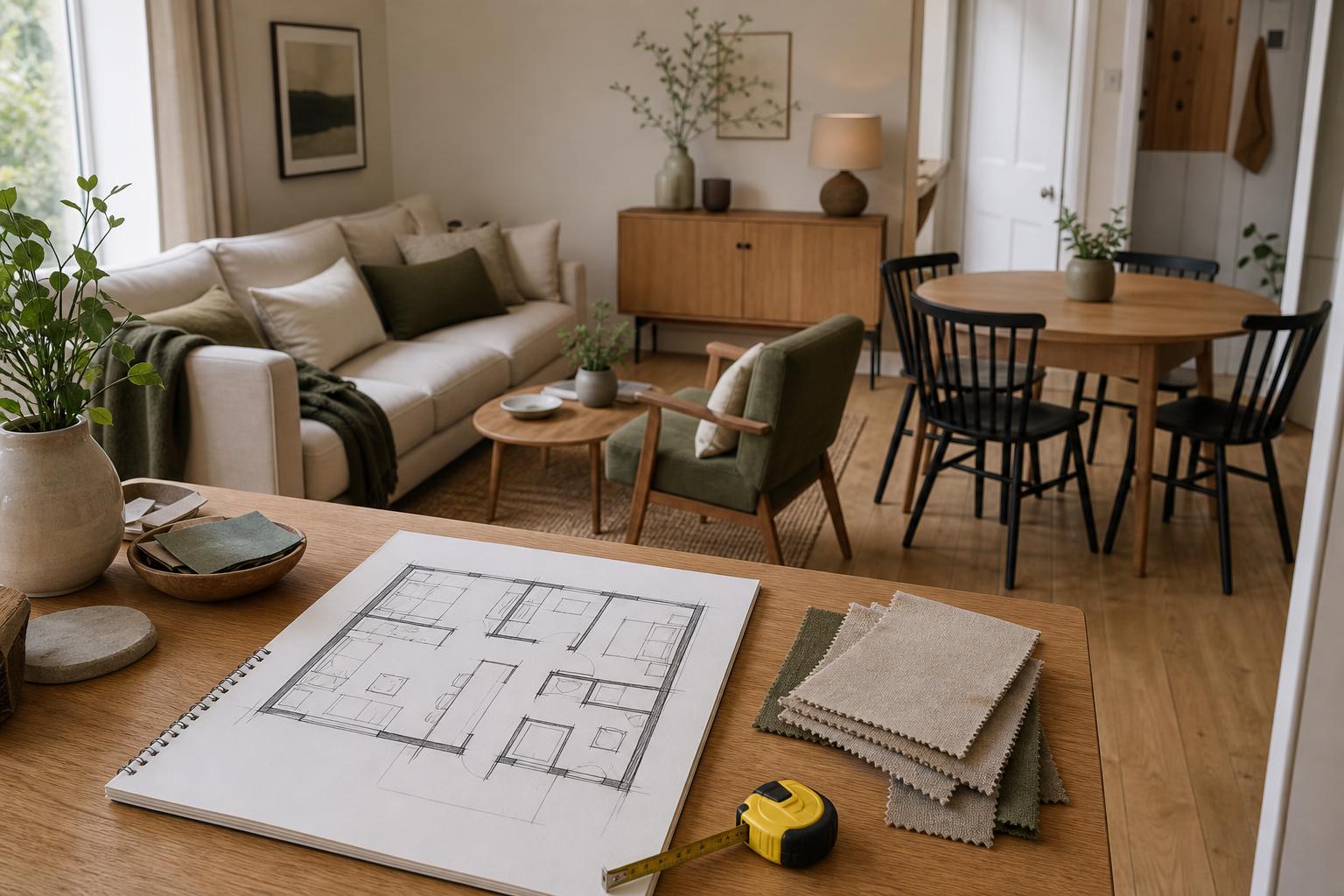
AI imagery pairs particularly well with paint sample boards, fabric swatches and photographs of furniture you already own. Together, they connect the suggested atmosphere to real colour and texture.
Choose one repeating element—perhaps warm timber or a muted green—and carry it through a few pieces. The room does not need to match the generated scene item for item.
The weakest combinations rely on competing assumptions: an AI image showing cool grey flooring beside your actual honey-coloured boards, or delicate pale upholstery in a heavily used family room. Resolve the fixed materials and daily-use demands first; accessories are easier to adjust.
Generating more versions does not necessarily produce a better answer. Once you have two or three credible directions, stop and compare them against your brief.
Watch for three expensive habits:
Keep a separate list of suggestions you have rejected. It helps prevent attractive but unsuitable ideas from returning with every new image.
Interior photographs can reveal valuables, security equipment and household routines. Review a service’s image-retention, deletion and training policies, particularly for bedrooms and children’s spaces. Do not assume uploads are private by default.
Generated images cannot establish structural safety, electrical compliance, ventilation requirements or fire clearances. Use licensed professionals for regulated work, and seek appropriate technical advice before changing walls, wiring, plumbing or heating arrangements.
Check access too. A convincing furniture arrangement may obstruct a radiator, narrow a route or leave inadequate space for someone using a mobility aid.
Start elsewhere if your main problem is damp, overheating, poor ventilation, failing finishes or unsafe installations. A restyled photograph can disguise those conditions without addressing them.
The same applies to accessibility adaptations and complex fitted cabinetry. Establish functional requirements and verified dimensions with an appropriate professional first. AI may help discuss the appearance later, but should not define the technical solution.
The following are illustrative US-dollar allowances for decorating changes, not quotations; local prices, quality and delivery vary considerably.
Price the complete choice, including curtain hardware, rug underlay, delivery, assembly and disposal. Keep some money uncommitted until you have checked samples and installation needs. Software is poor value if its images encourage purchases that do not solve your original problem.
Save the original photograph, your brief and the strongest result together. Record actual paint references, fabric details and furniture dimensions separately; a generated image is not a reliable specification.
Before buying, check cleaning instructions, spare-cover availability and finish repair options. Use trend-led colour on replaceable textiles if you enjoy frequent changes, while keeping expensive pieces compatible with several palettes. Revisit the image when your needs change, rather than continually chasing new versions.
Sometimes. Free access may mean limited credits or basic previews. Check whether saving the useful result requires payment.
Some services allow this; others require registration. Check access conditions before preparing photographs or entering personal information.
Not reliably. Specify what must stay, then compare shape, scale and position with the original photograph.
No. Lighting, image processing and your screen affect appearance. Test physical samples in the room at different times of day.
Clear enough to reveal its boundaries and fixed features. Keep important everyday items visible if they affect the decorating brief.
Treat depicted products as references unless a verified listing is supplied. AI can invent objects that have no purchasable equivalent.
Yes, particularly for movable furnishings and colour coordination. Permission and surface compatibility still govern any physical alterations.
Start with three distinct directions. Choose the most practical, then refine one issue rather than repeatedly changing the whole room.
Only if the underlying image is useful and you need greater detail. Extra resolution will not correct inaccurate architecture.
Not necessarily for a decorative refresh. Professional advice becomes more valuable as cost, complexity and functional requirements increase.
The value of free AI home design is a clearer decision, not a perfect picture. Keep what works, verify what changes and buy only after checking the details. When you are ready to compare a fresh direction, try the DecorAdTechadvice redesign tool with one room and a focused brief.